
Network Devices

Networking Products
1,348 networking products, from a router for the home to managed switches, access points and rack equipment for business.
- 1,291 network devices: routers, switches, access points, repeaters, USB Wi-Fi and powerline
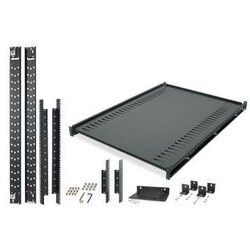
- Racks and components for an organised installation
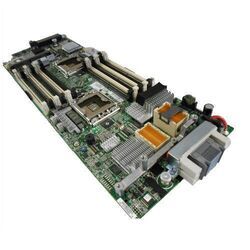
- Server spare parts from Supermicro and Lanberg
- From TP-Link, Zyxel, Netgear, Ubiquiti, MikroTik, Tenda, Cudy, Asus
What do you actually need?
"The internet does not reach everywhere." Look first at an access point or repeater — and if the house is large, a multi-point system. If there are thick walls or a concrete slab, powerline travels through the electrical wiring where Wi-Fi cannot.
"I want to replace my provider’s router." Modems and routers. A good router noticeably improves stability and coverage, especially with many devices connected at once.
"I need more ports." A switch. It extends the wired network in an office, in a rack or beside the television.
The categories
Wired is not dead
Wi-Fi solves mobility, but for a desktop computer, console, television, NAS and printer a network cable gives a steadier connection, lower latency and zero interference.
In practice, anything that does not move is worth wiring. That also frees the Wi-Fi for the phones and laptops that genuinely need it.
Browse the rest
Frequently asked questions
- Router, access point or repeater?
- A router creates and manages the network. An access point adds Wi-Fi coverage over a cable. A repeater rebroadcasts the existing signal wirelessly — simpler, but at reduced speed.
- Can I replace my provider’s router?
- In most cases yes. You need your connection details and a router compatible with your line type.
- How far does Wi-Fi reach?
- It depends far more on the walls than on the device. A concrete slab or a wall with a metal frame cuts the signal drastically.
- Do I need Wi-Fi 6?
- It matters when many devices are active at once — a home with televisions, phones, consoles and smart devices. For two or three devices the difference is small.
Start from the problem rather than the device: coverage, speed or ports. And whatever does not move, connect it by cable.