
Hard Drives

Hard Drives and Storage
1,174 storage products: SSDs for speed, mechanical drives for bulk, external units for backups, and enclosures so you can reuse what you already own.
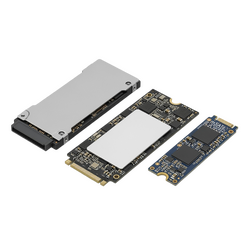
- 653 SSDs — M.2 NVMe and SATA, with 455 carrying a five-year warranty
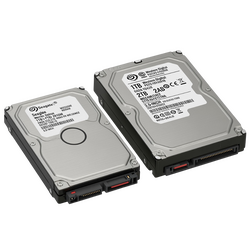
- 265 internal mechanical drives for large file archives
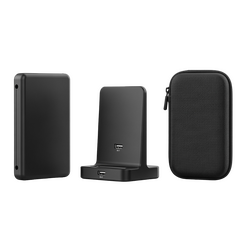
- 148 external drives and SSDs for backup and transport
- 108 enclosures and docks to turn an old drive into an external one
The right combination for most people
It is not "SSD or hard drive" — it is both. An SSD for the operating system and applications makes the machine start and respond instantly. A mechanical drive beside it gives many times the space for files at minimal cost.
And then an external drive for backups, because not even the best drive is a backup by itself.
The categories
The backup rule
One drive is not a backup. A backup exists when the same data sits on at least two separate devices, and ideally one of the two is in a different place from the first.
The reason is simple: a theft, a power surge or damage at home takes both drives if they sit on the same desk. Photographs and working files cannot be recreated.
Browse the other components
Frequently asked questions
- SSD or hard drive?
- Both. An SSD for the system and applications, a mechanical drive for files and backups, where the cost per terabyte is far lower.
- Which upgrade makes the biggest difference?
- The SSD, by a distance. On a machine that used to start in minutes, the change is immediately noticeable in everything you do.
- How much space do I need?
- A 500GB SSD is the practical minimum for system and applications, 1TB the comfort point. For archives and video, a mechanical drive gives many times the space for the same money.
- What should I do with my old drive?
- Put it in an enclosure and it becomes an external backup drive within two minutes.
Choose an SSD for speed, a mechanical drive for bulk, and an external one for whatever you cannot afford to lose.