
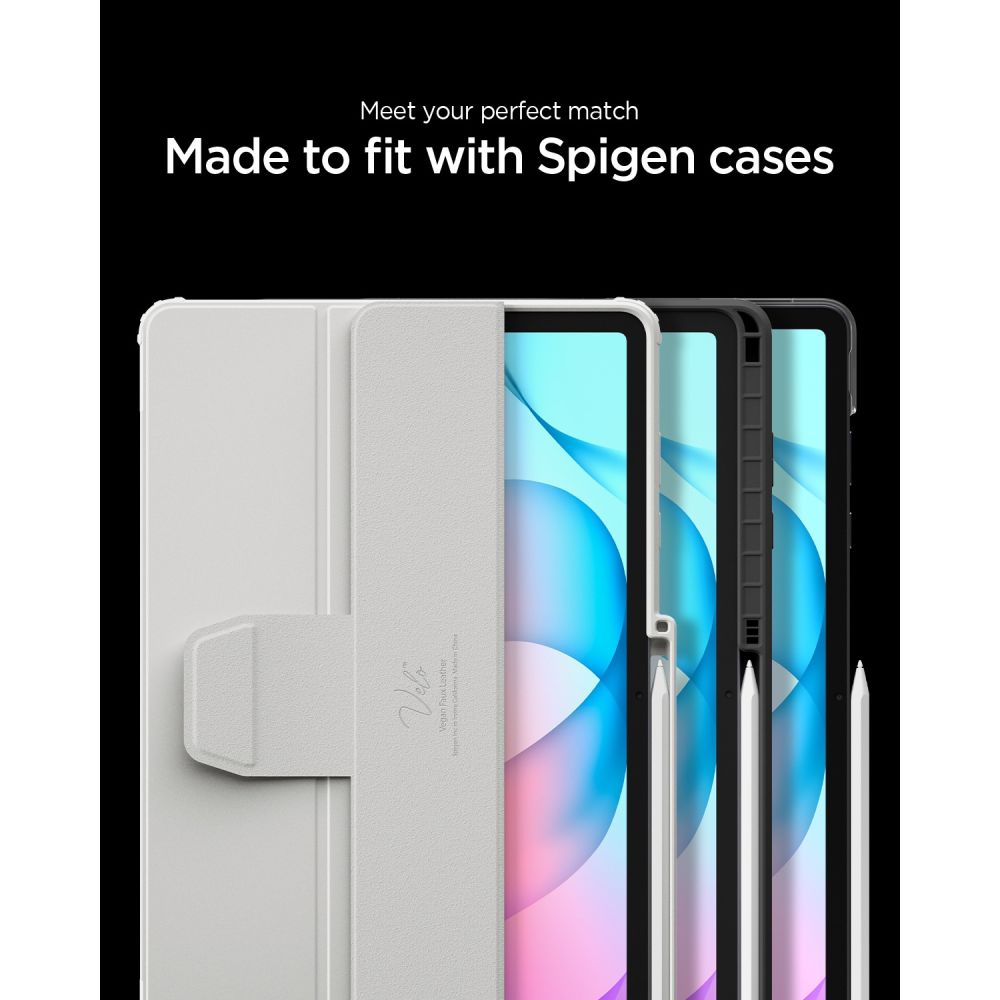


Spigen Glas.tR EZ Fit Pro HD Tempered Glass for Samsung Galaxy Tab S12+ 12.6"
In Stock
7 - 10 Working Days
Available Soon
Pre-Order
Out of Stock




Description
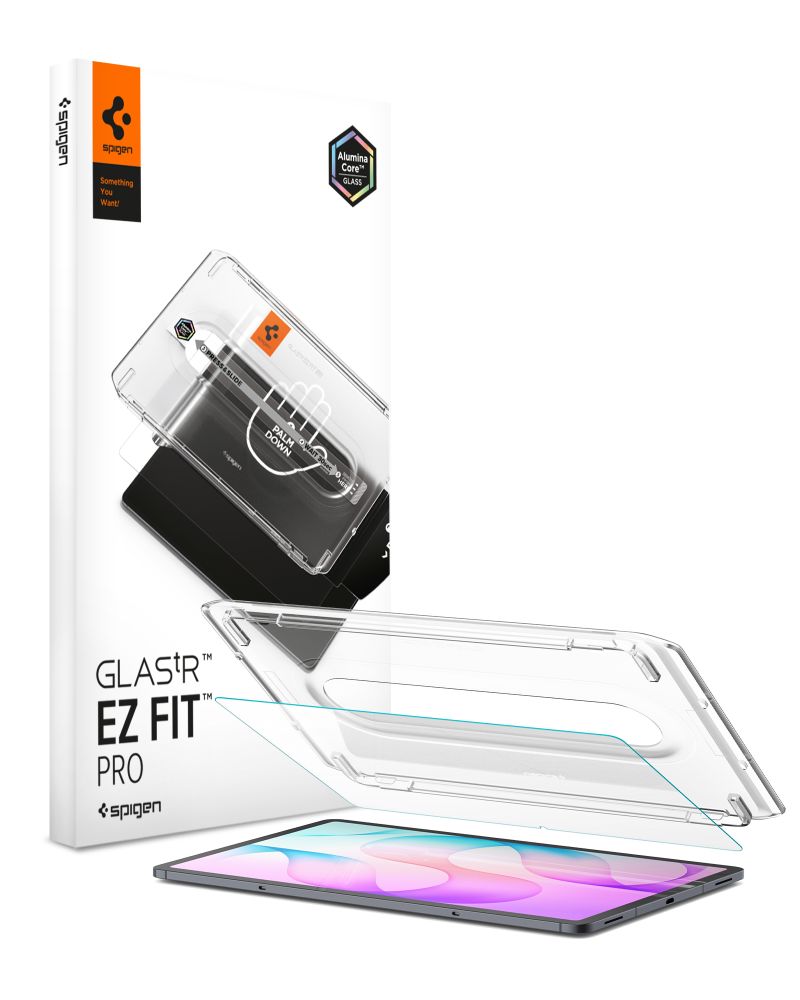
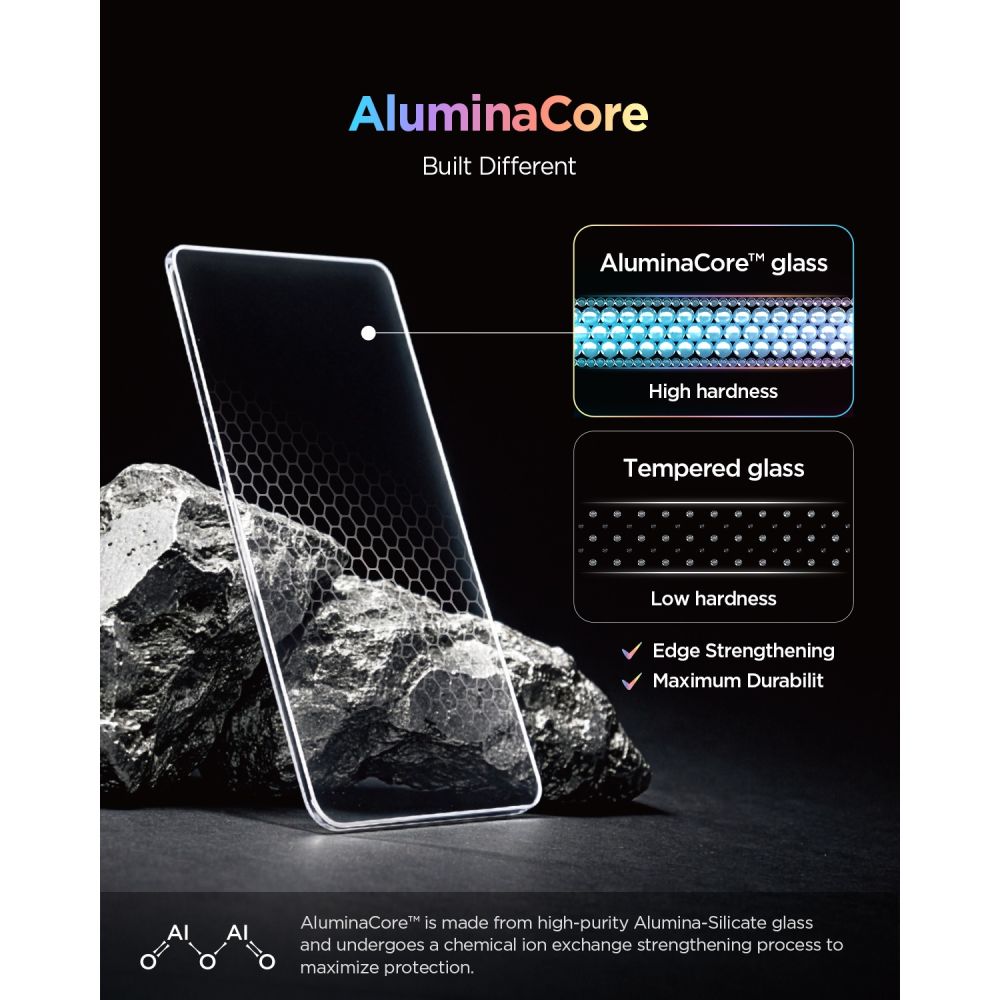
Tempered glass Spigen Glas.tR EZ Fit Pro HD is the latest generation of screen protection featuring the groundbreaking AluminaCore technology, which delivers maximum durability and the highest level of protection. The EZ Fit Pro installation system ensures fast, precise, and hassle-free application with no air bubbles or misalignment, guaranteeing long-lasting screen protection without compromise.
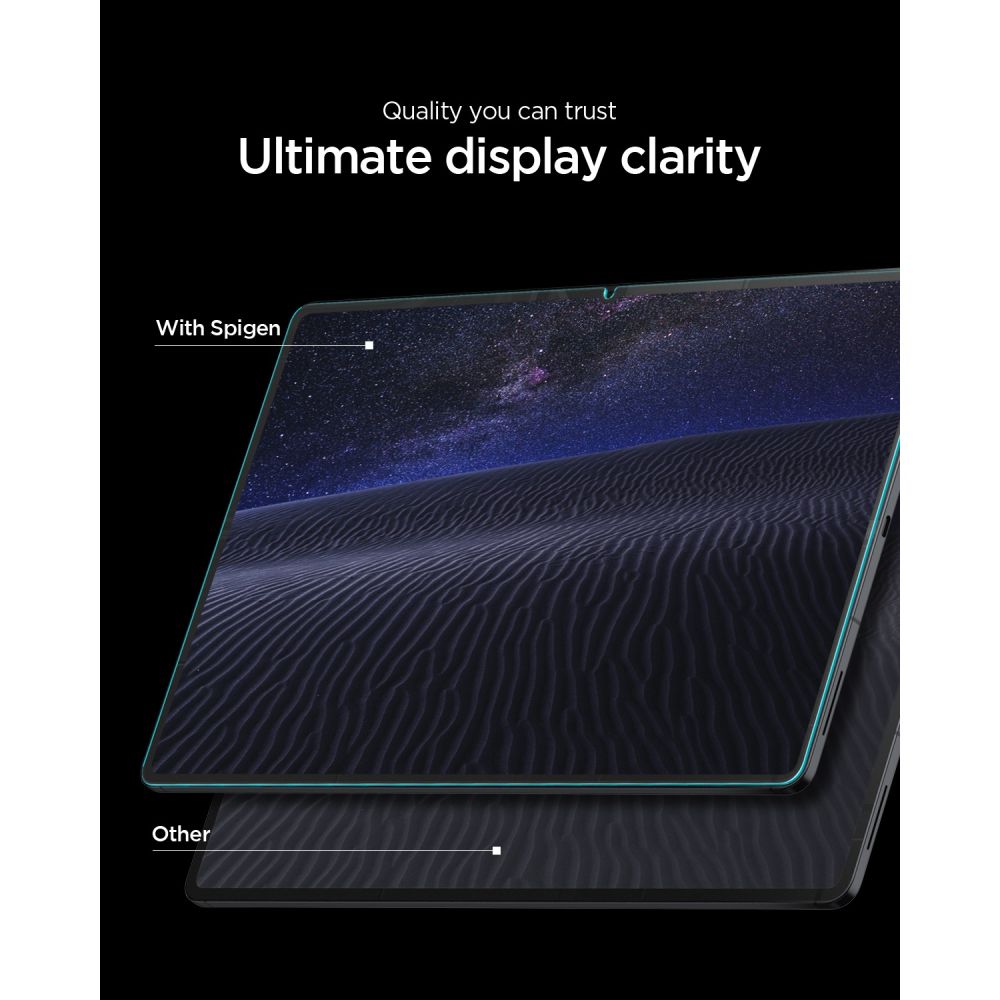
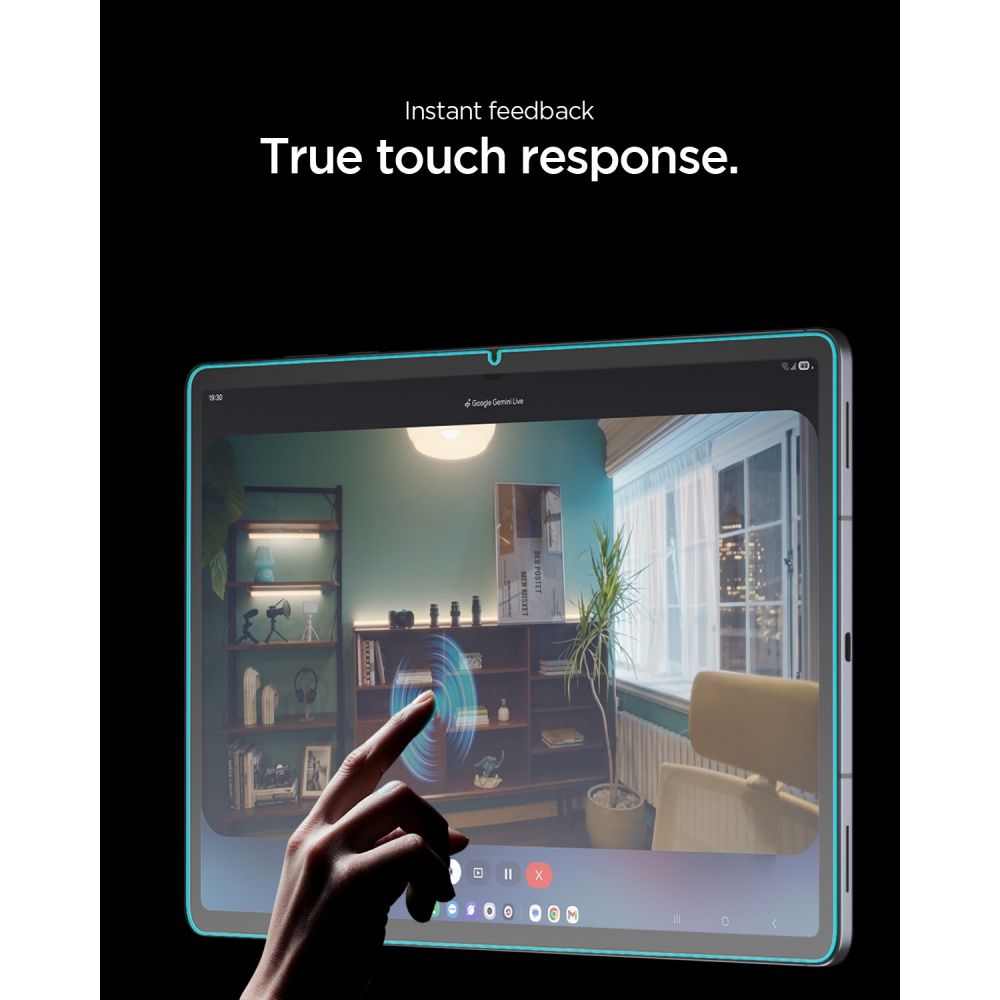
AluminaCore technology uses an advanced ion-exchange process that provides 9H+ hardness and superior scratch resistance compared to standard tempered glass. The glass offers crystal-clear transparency, full light transmittance, and zero touch latency, so your screen retains its natural responsiveness.
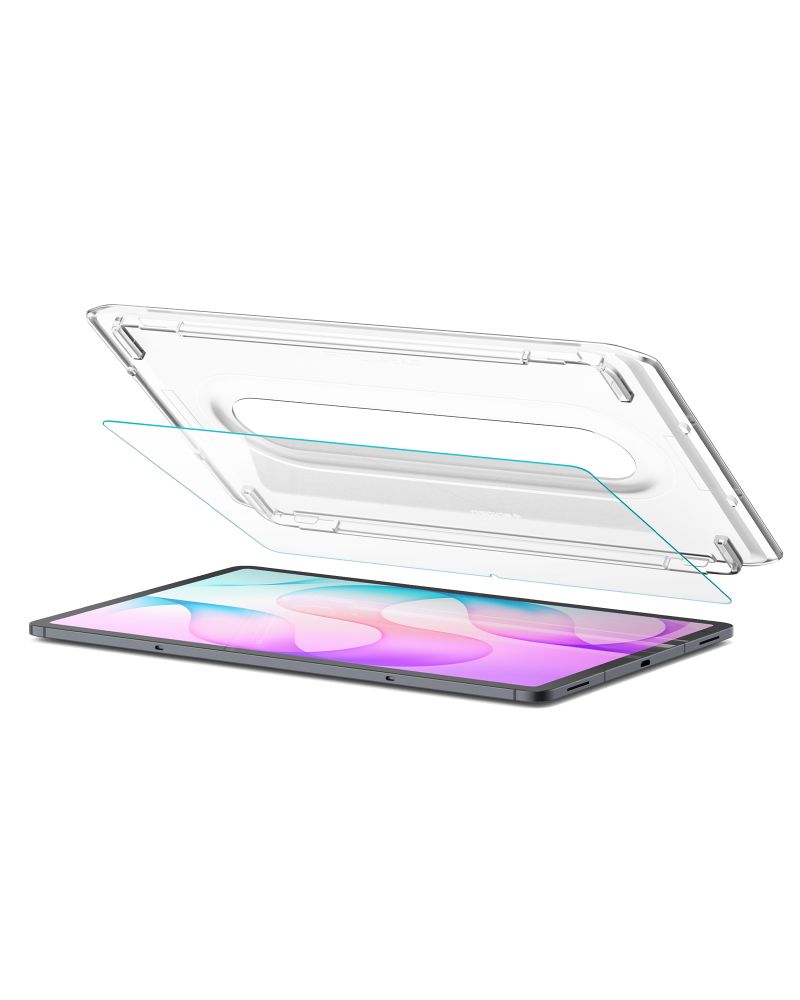
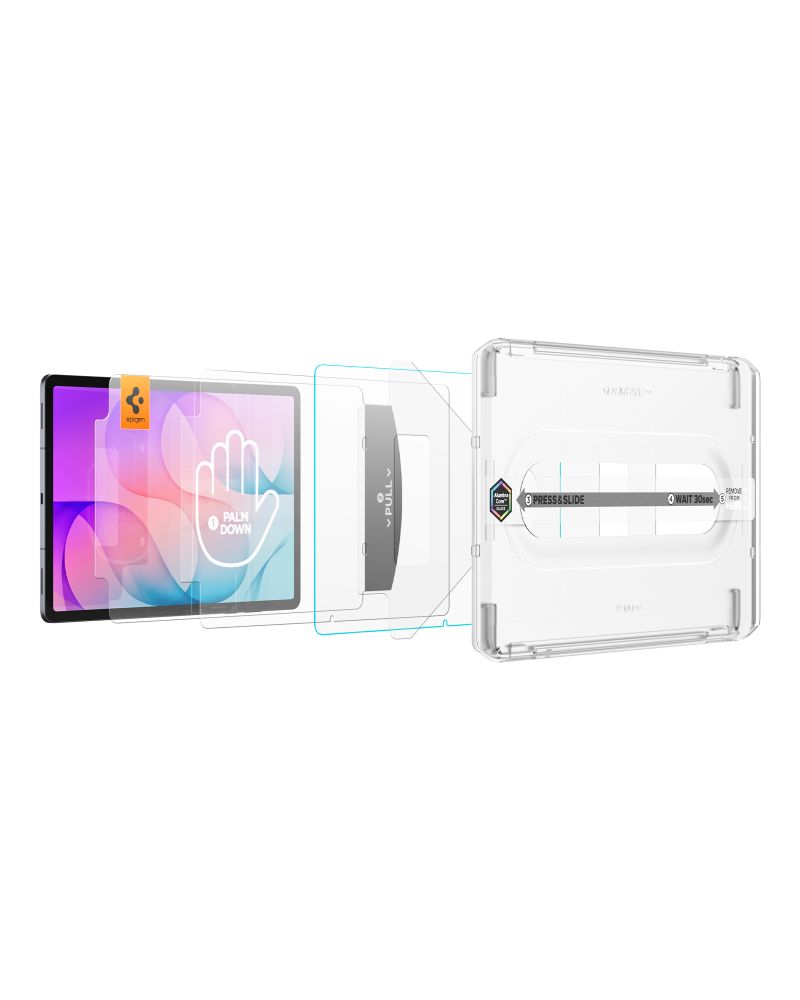
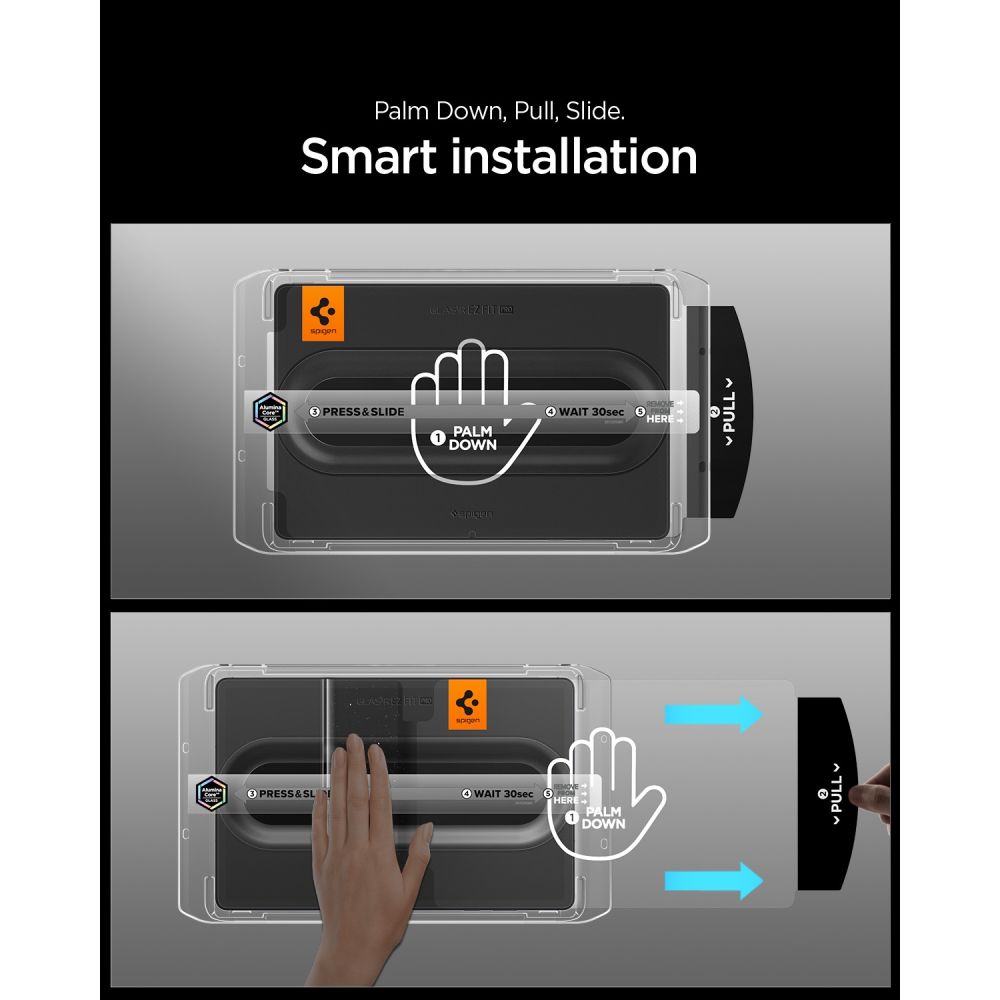
Installation is straightforward and precise thanks to the innovative alignment kit with EZ Fit Pro automatic positioning. The mounting frame eliminates bubbles and misalignment, ensuring a perfect fit on the first try. The milled edges feel smooth to the touch and make swiping along the screen edges comfortable. The glass does not affect touch functionality and maintains full clarity along with an instant, responsive screen reaction.
* Due to the varied edge milling of displays, a slight air halo may appear around the screen after installing the protective glass. This is a natural occurrence and depends on the screen itself.
Product features
- 100% Original
- Packed in original packaging
- Exceptionally easy installation
- Additional oleophobic coating
- Perfect clarity
- Does not affect touch functionality
- 9H+ hardness
Specification
Models X840 / X846B
Package contents
1 × Spigen Glas.tR EZ Fit Pro HD tempered glass
1 × EZ Fit Pro installation kit
Installation instructions
- Start the installation in the bathroom right after a shower – the steam will absorb all dust from the air so it won't interfere with the process.
- Thoroughly clean and degrease the screen surface, then polish it to a shine using a dry cloth. Make sure no dust particles remain.
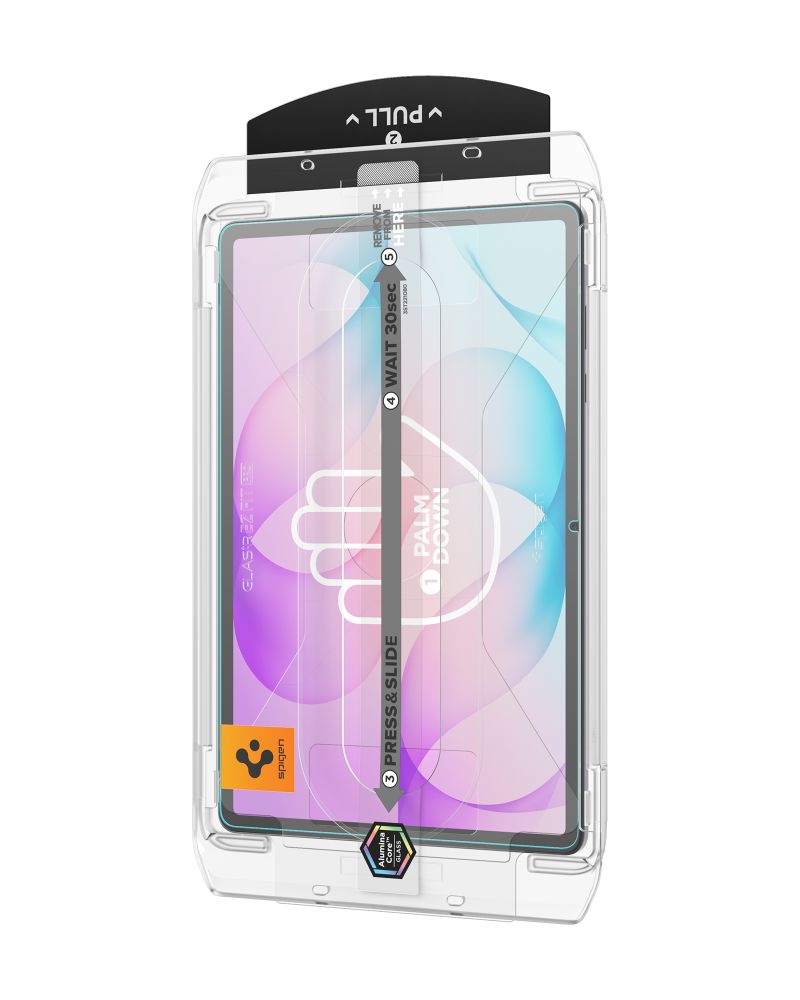
- Place the frame with the glass already attached onto the device – it ensures precise alignment and makes application straightforward.
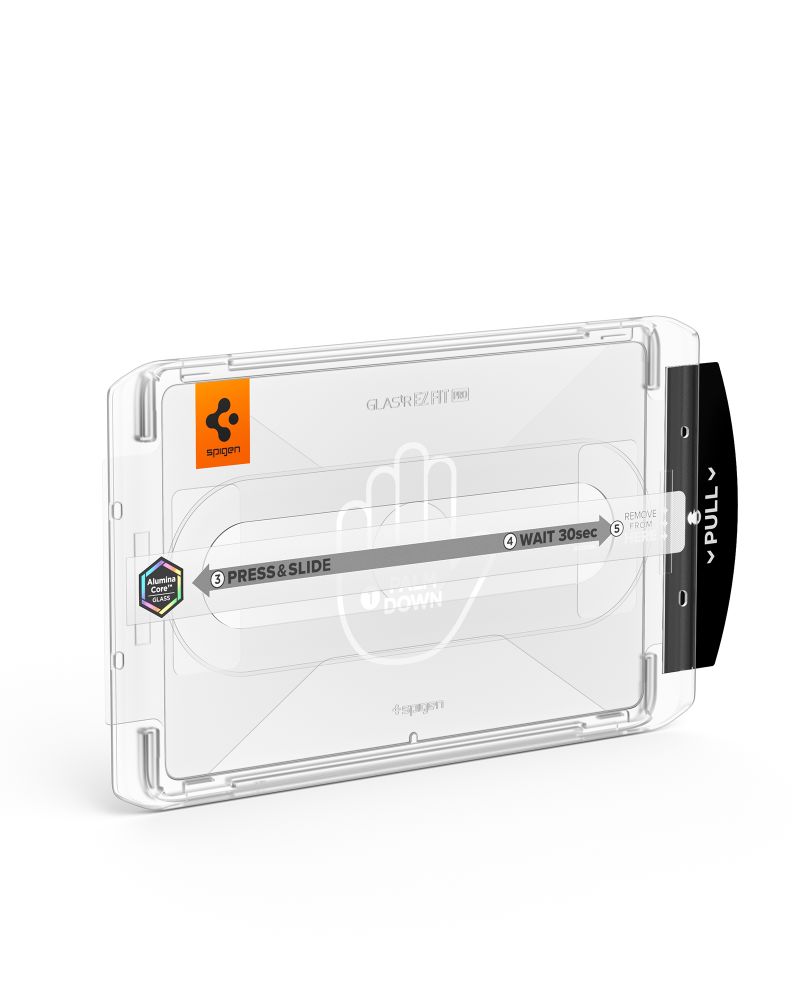
- Pull the starter tab to begin the automatic glass-bonding process.
- Press down on the glass at the designated points. Do this carefully so that the adhesive layer bonds firmly with the surface.
- Remove the frame and eliminate any air bubbles by running your finger in circular motions.
The price has not changed yet. We will show it on this chart once it changes
No reviews found
- Recently Viewed
Choose the courier that suits you best. We deliver everything – from collectibles to gadgets – safely to your doorstep.
We only select what we would buy ourselves. 100% authentic products and reliability in every item you see.
Not quite what you were looking for? If the product is intact, returning it is quick and simple. Easy peasy!

Gaming, collectibles, software and mobile accessories. Physical store in Thessaloniki since 2010.