
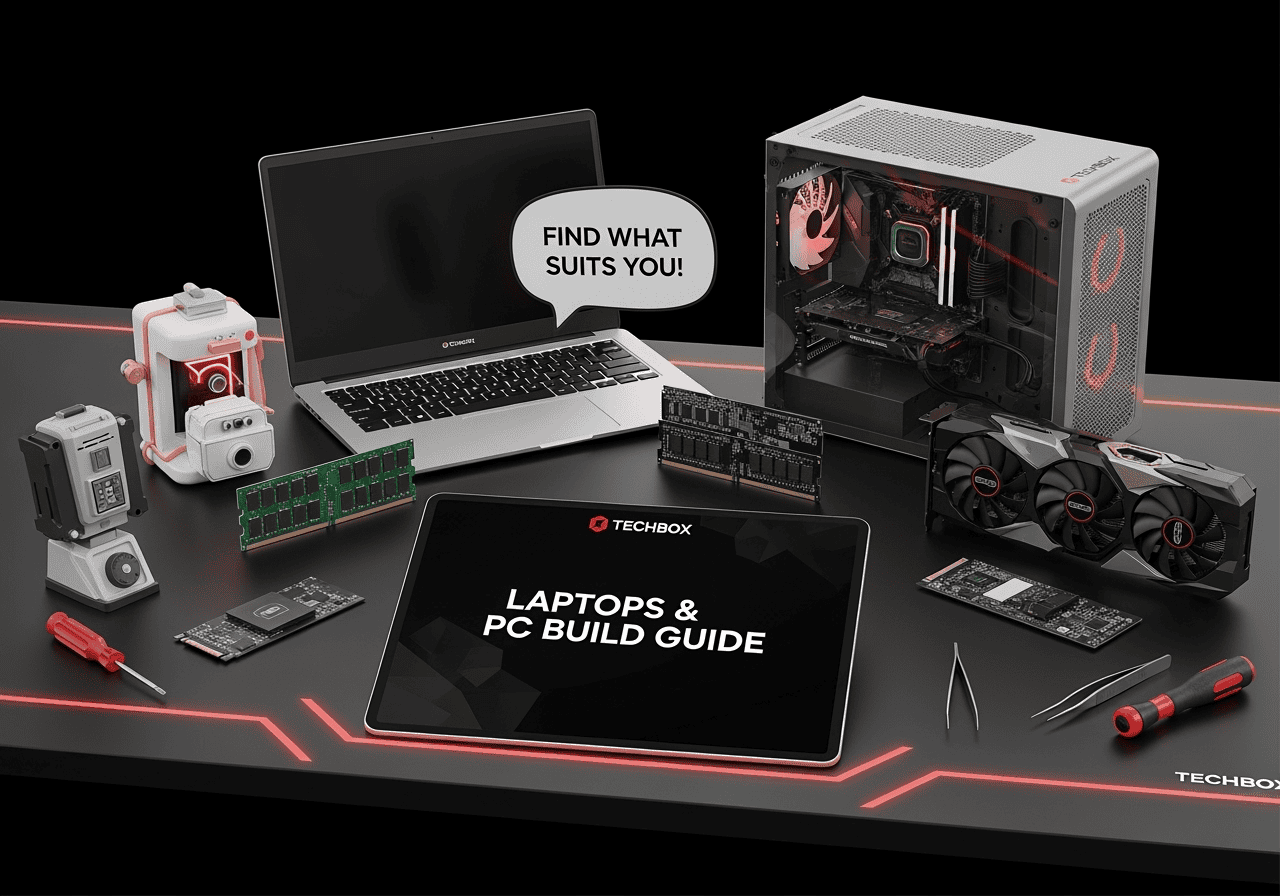
Laptops & PC build buying guide – Parts, compatibility & mistakes
Updated: · Techbox, Thessaloniki
Laptop or desktop? And if you are building a PC, which parts fit together? The guide to CPU, motherboard, graphics card, memory, drives and power supply, and the mistakes that cost money.
Laptop or desktop?
A laptop wins when you need mobility. A desktop gives more performance for the same money, upgrades part by part and lasts longer. Both are under laptops and desktops.
CPU and motherboard: compatibility first
The CPU and motherboard must share the same socket. Current AMD Ryzen chips use AM5, Intel Core Ultra LGA1851. Choose the processor first, then a motherboard with the same socket.
The motherboard chipset (for example B850 or X870 on AMD) decides how many ports, NVMe drives and overclocking options you get. A mid-range chipset is enough for most people.
Graphics card, memory and drives
For gaming, the graphics card is the part that matters most. Choose it by your monitor’s resolution: a mid-range card is enough at Full HD, while 4K needs a top model.
New platforms use DDR5 RAM. 32GB is now the comfortable figure for gaming. For storage, an NVMe SSD from the drives makes the biggest difference to how fast the PC feels.
Power supply and case
The power supply is the part where saving money costs the most. Add up the CPU and graphics card draw, allow headroom, and choose 80 Plus Gold certification or better.
Before buying a case, check it fits the graphics card’s length and the cooler’s height.