

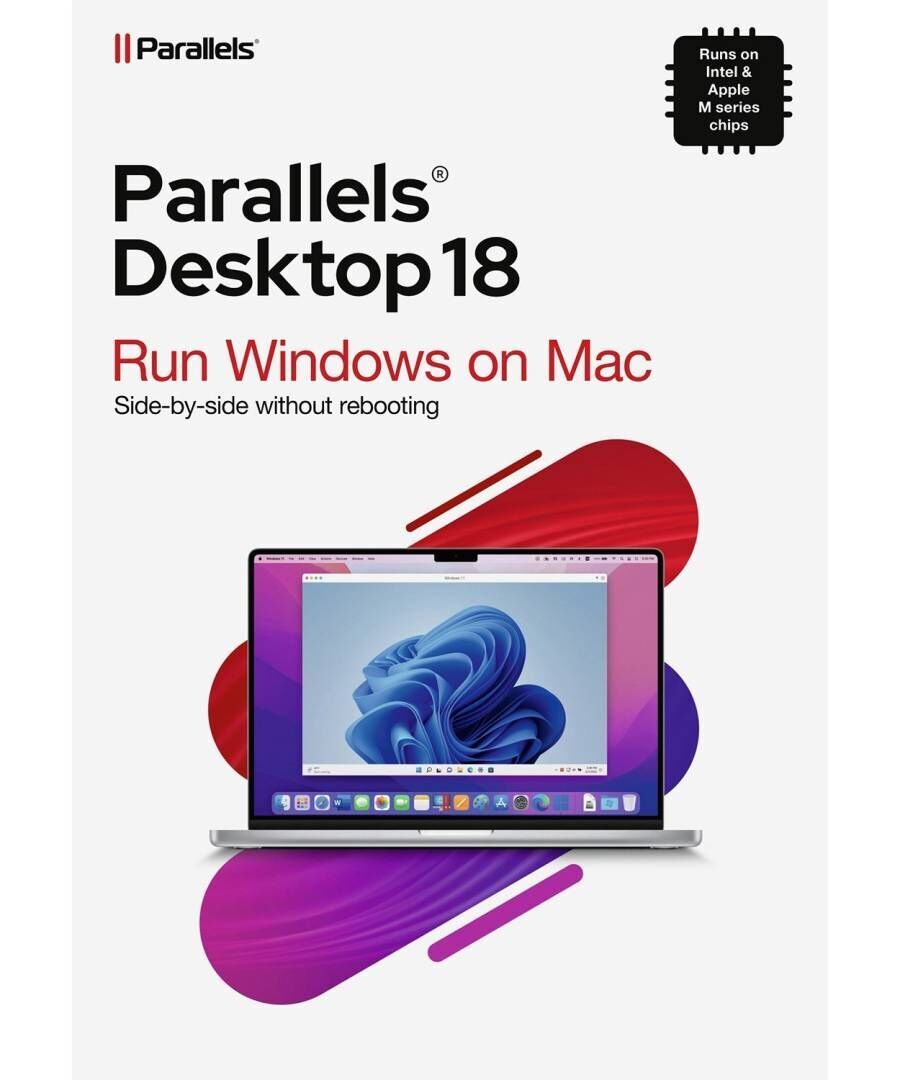
Parallels Desktop 18 Standard Edition for MAC - Lifetime - Multilingual - ESD
5010454
What's included with your purchase
Immediate delivery to email
Receive in 1 hour or within 1 business day at the latest.
✔️
Stress-free installation instructions
Detailed instructions with pictures for easy and quick installation.
✔️
60 days warranty
Support directly from the manufacturer for trouble-free use.
✔️
Approved suppliers
Buy only from trusted sources.
✔️
No hidden charges
You only pay for the product – no additional costs.
✔️
Best prices
We always ensure the best possible offer for you.
✔️
Free activation support
Having trouble activating? We're here for you: support@techbox.com.gr.
✔️
What is not included with your purchase
Installation by us
For safety and speed reasons, the installation is done by you using the instructions we provide.
❌
Learning functions
The best place to get detailed support is the manufacturer itself — and they offer it to you for free for 60 days!
❌
Cancellation/Change after shipment
Once the code is sent, it cannot be canceled for licensing reasons. So please ask us any questions you have before purchasing.
❌
Telephone support
In order to serve you correctly and accurately, technical support is provided electronically with images of the problem.
❌
Immediate response time
Although we respond to 95% of inquiries the same day, we commit to a response within 2 business days.
❌
Payment Methods


Similar purchase proposals
Short description
Genuine Digital License
Parallels Desktop 18 Standard for Mac Lifetime
1 Mac | Perpetual license
Parallels Desktop runs Windows inside macOS, with no reboot: you open a Windows application and it appears alongside your Mac apps. It is the answer for anyone working on a Mac who needs one specific program that only exists for Windows — accounting, business or specialised software.
What it does
Windows beside macOSRun Windows applications without rebooting, in the same environment.
Shared filesYour files are reachable from both systems.
Easy setupA wizard downloads and installs Windows automatically.
IntegrationCopy and paste, printers and devices work across both.
Perpetual licenseOne payment for this release.
What it does NOT do — read before you buy
- Mac only. It makes no sense on a Windows PC.
- A Windows license is not included. The operating system is bought separately — we stock it too.
- It needs memory and disk space. Plan for at least 8 GB of RAM dedicated to it and 60 GB of disk.
- The perpetual license covers this release.
License at a glance
- Devices: 1 Mac (macOS)
- Term: Perpetual license
- Includes: Windows virtual machine on Mac, shared files and devices, perpetual license
- Not included: Windows license, free upgrade to a newer release
- License type: Digital (ESD) — activation key
- Delivery: By email within minutes of payment
Frequently asked questions
Do I also need a Windows license?Yes. Parallels is the environment that runs Windows; the operating system license is separate and you can get it from us.
Does it work on Apple silicon Macs?Yes, it supports Apple processors, running the corresponding Windows edition.
What Mac do I need?The more memory the better. It works with 8 GB and works comfortably with 16 GB.
What do I receive, and when?Digital license (ESD): activation key and download link sent to your email within minutes of payment.
From Techbox, Thessaloniki, Greece. Your license arrives by email within minutes of payment, with setup instructions in English or Greek. We issue business invoices and serve orders across Europe. Browse the full Εξειδικευμένο Λογισμικό.
Specifications
Number of User(s)
1 User
License Term (Years)
Lifetime
Package
ESD
EAN
ESDPD18EU
Manufacturer
Parallels
Specification notes
Specifications are provided by the manufacturer and may change without notice. If a particular detail is critical to your choice, please also confirm it on the manufacturer's official product page
Price Alerts
As soon as the price of the products decreases, you will immediately know about it.
The price has not changed yet. We will show it on this chart once it changes
Reviews
No reviews found
- Recently Viewed
Choose the courier that suits you best. We deliver everything – from collectibles to gadgets – safely to your doorstep.
We only select what we would buy ourselves. 100% authentic products and reliability in every item you see.
Not quite what you were looking for? If the product is intact, returning it is quick and simple. Easy peasy!