


Adobe Acrobat Pro for Windows/MAC - 1 User - 1 Year - Multilingual - Ηλεκτρονική Άδεια


Adobe Acrobat Pro
Adobe Acrobat Pro is the most comprehensive solution with full functionality for converting and editing PDF files, advanced security and powerful electronic signature features.
- The comprehensive PDF solution for today's mobile and networked working world
- Be productive on the go—create, convert, organize, and sign PDFs on your desktop or mobile device. You can even edit PDFs on your iPad. With Adobe Document Cloud services, you have access to all the tools you need to edit PDF documents anytime, anywhere.
- Make scans instantly editable – Simply photograph paper documents with the Adobe Scan app. You will receive an editable PDF document with automatically adjusted fonts so that subsequent changes are not noticeable.
- Edit text and images in PDFs – The familiar point-and-click interface makes editing PDF documents in Acrobat DC easy and intuitive. On the desktop and on the iPad.
- Compare files – A clear results report lists all the differences between two versions of a PDF.
Always the latest Acrobat features.
Your needs are constantly changing. And so are your working methods. That's why Adobe Acrobat is constantly being improved and expanded. You'll get the latest features as soon as they're available.
Acrobat Standard lets you perform basic PDF tasks, such as editing, converting, password-protecting documents, and obtaining signatures. Acrobat Pro includes all the functionality of Acrobat Standard, plus additional PDF features and electronic signature tools. With Acrobat Pro , you can do things like identify differences between two versions of a PDF document, redact sensitive information, collect and track signatures from multiple people in one step, and customize PDF experiences to match your brand.
With Adobe Acrobat Pro you have access to over 25 functions to optimally manage your PDFs and further optimize them with additional services such as scan & OCR or rich media. Use the services from anywhere - on the desktop, on the web or mobile. The functions update automatically.
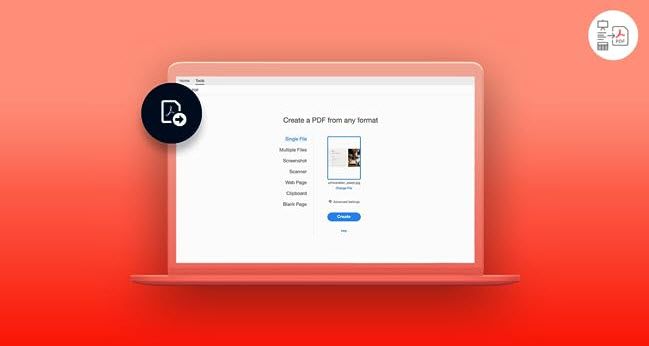
Convert any format into PDFs and vice versa.
Whether Microsoft Office files, websites or images - with just a few clicks you can create high-quality PDFs from a wide variety of formats. This is also possible the other way round: Export a PDF to save it in another file format.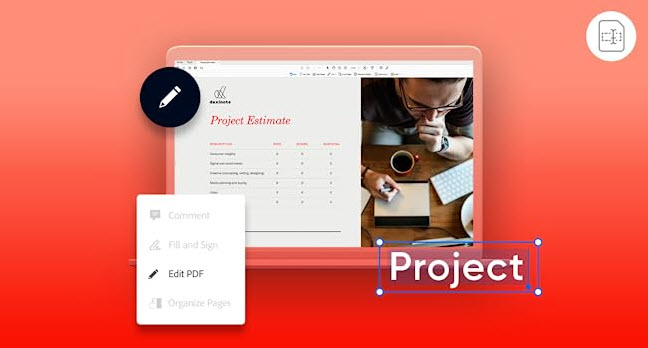
Revise the text or crop images.
Have you noticed a spelling mistake and the graphics aren't quite right? No problem, make changes directly in the PDF - add text, correct typos or edit images. If you edit entire pages, the paragraphs adjust automatically.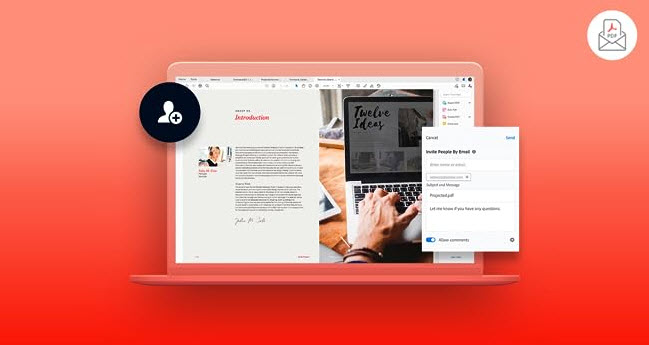
Share your PDF and ask others for feedback.
Done. Your PDF is finished and ready for your team's feedback. Email a review link to everyone involved in the project so they can comment on the file. They don't need to log in or register to do this. As soon as there is something new, you will be informed directly.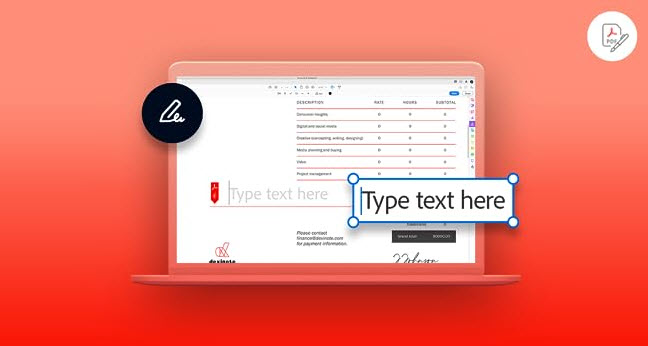
Obtain signatures or sign yourself.
All you need is one signature and it's official. With Adobe Acrobat Standard, legally valid signatures can be easily obtained and tracked - without the hassle of printing or scanning. All you need is the recipient's email address.
The Pro version has these exclusive features for you.
Optimize the file size of a PDF.
Compress PDF
Do you want to make sure that images, fonts and other content are displayed reliably? With Adobe Acrobat Pro, you can compress PDFs without any loss of quality, enable fast loading times and control image and font options.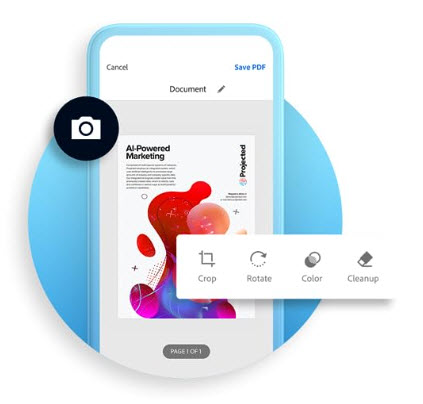
Convert scanned files into editable PDFs.
Scan & OCR
Regardless of whether text needs to be retyped or reformatted, it can be tedious to evaluate and reuse scanned files. Thanks to optical character recognition, or OCR for short, you can quickly and easily convert scanned documents into PDFs with editable text and true-to-original fonts.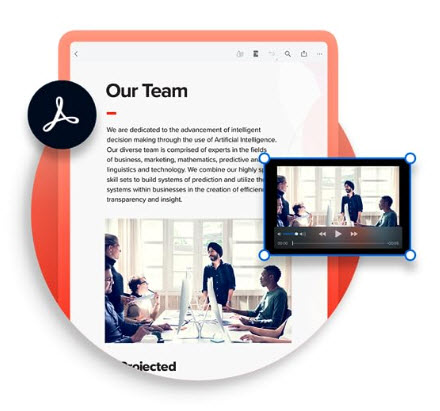
Create interactive PDFs with multimedia content.
Rich Media
Combine your PDF with high-quality media without significantly increasing the file size. Add video, audio or 3D elements and create impressive multimedia documents. Adobe Acrobat Pro supports MP3, MOV, PRC and many more formats.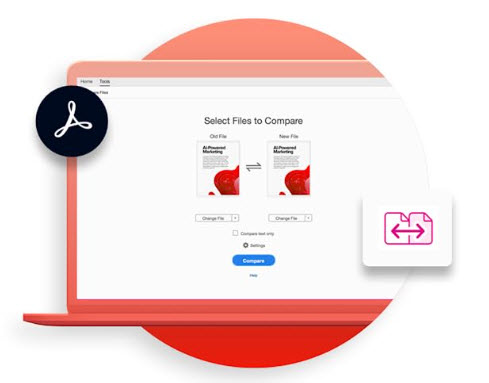
Check PDFs for differences and similarities.
Compare files
If you want to manually recreate different stages of work, you have to plan time. With Adobe Acrobat Pro, it is possible to compare two versions of a PDF and quickly identify changes. The program analyzes the files and creates a practical report with all the differences.
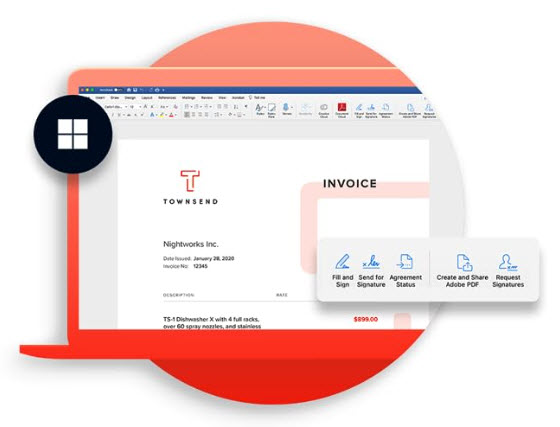
Adobe Acrobat and Microsoft - a strong team.
Integration into other programs
By connecting Adobe Acrobat to the Microsoft Teams collaboration tool, you can open PDFs directly in Teams, get feedback from different parties and track updates. Other Microsoft 365 services such as PowerPoint, Outlook or SharePoint are also seamlessly connected - it has never been so easy to coordinate documents digitally.
System requirement and supported languages you can find here:
The price has not changed yet. We will show it on this chart once it changes
No reviews found
- Similar Products
- Recently Viewed
© 2010 - 2026 Techbox. We ❥ new ideas