


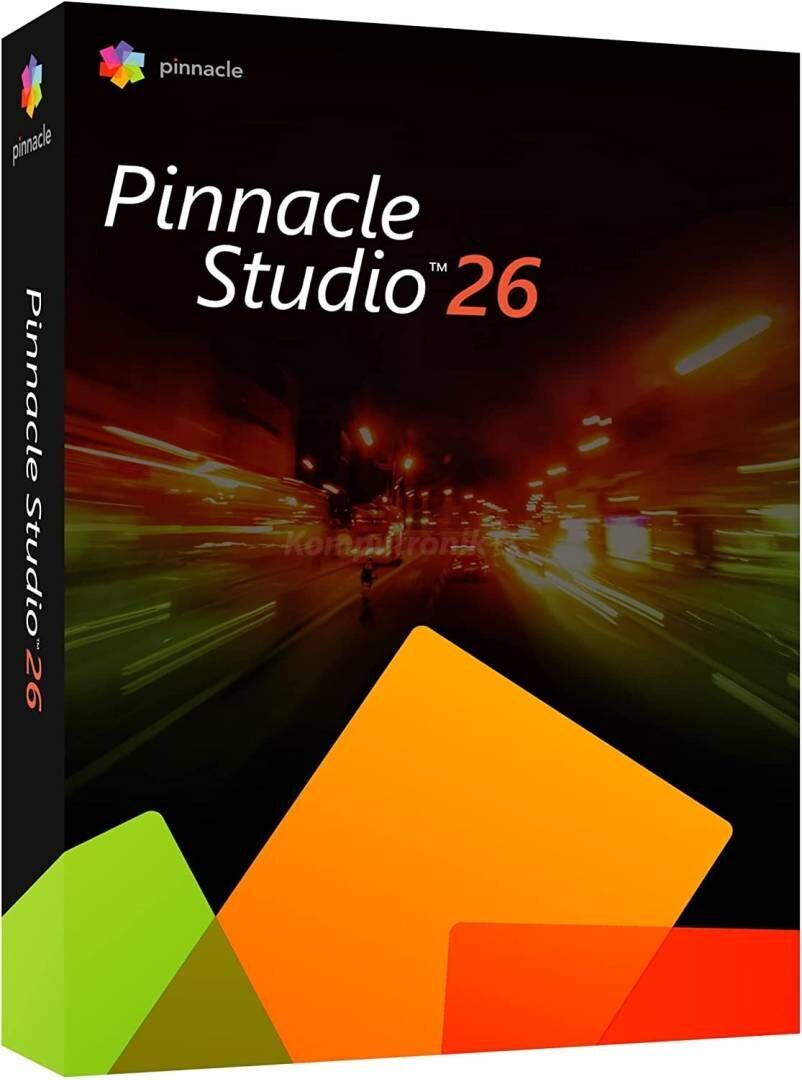
Pinnacle Studio 26 (2023) Standard Full Version for Windows - Lifetime - Multilingual - ESD



Pinnacle Studio 26
Inexpensive video editing program for Windows
Create impressive film productions and optimize your workflow with reliable tools and many creative templates and effects.
Start with inspiration.
Finish with Pinnacle.
Getting started with video editing, Pinnacle Studio™ 26 prepares you for advanced editing with nifty tools, creative effects, an intuitive workspace, and vastly improved stability and performance - everything you need to turn your videos into to transform impressive films.
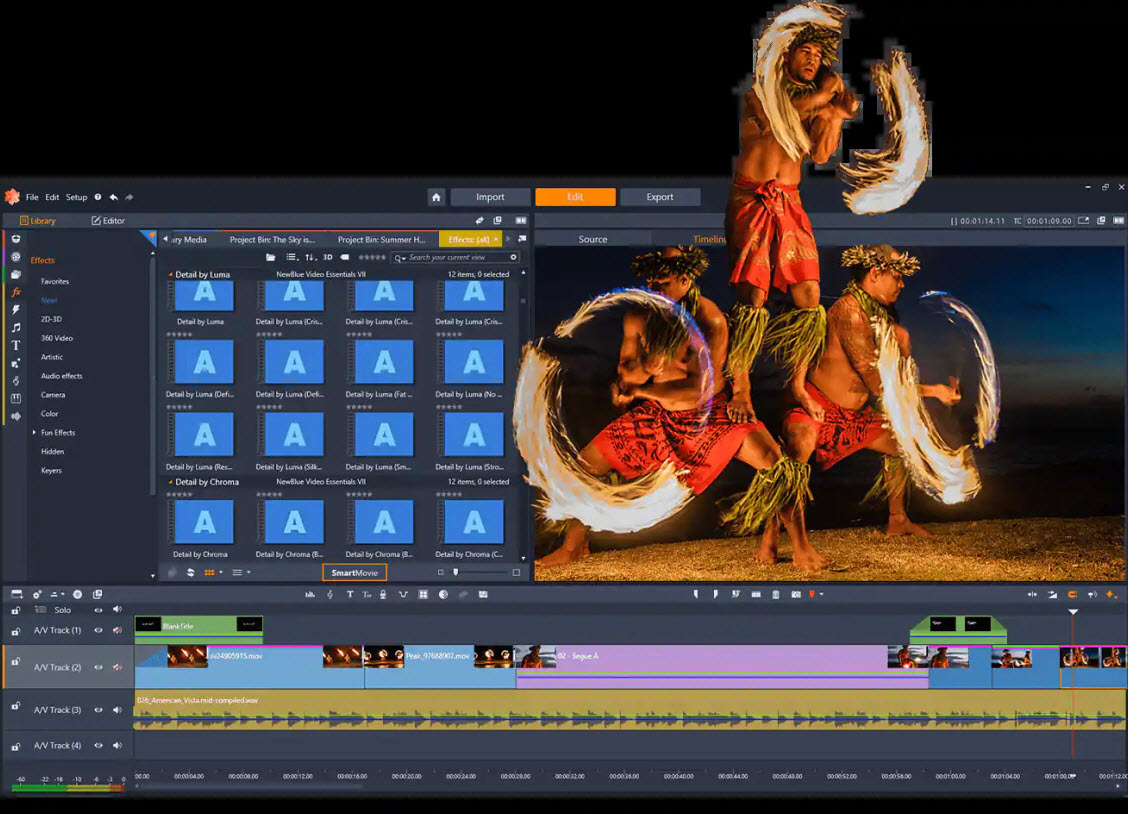
Passion. Power. Precision.
Confident editing and improvising.
Get started quickly and easily.
Acquiring skills at a professional level.
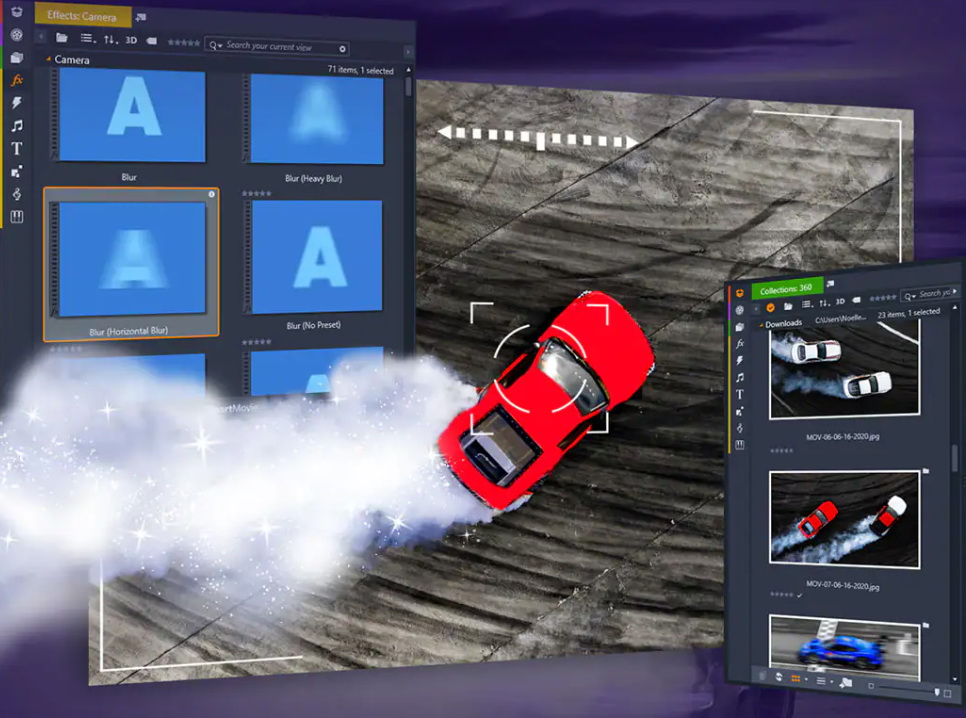
Take your edits to the next level.
With sophisticated tools for stop-motion animation, multi-camera editing or split-screen video, you can gradually deepen your knowledge and increase the quality of your productions.
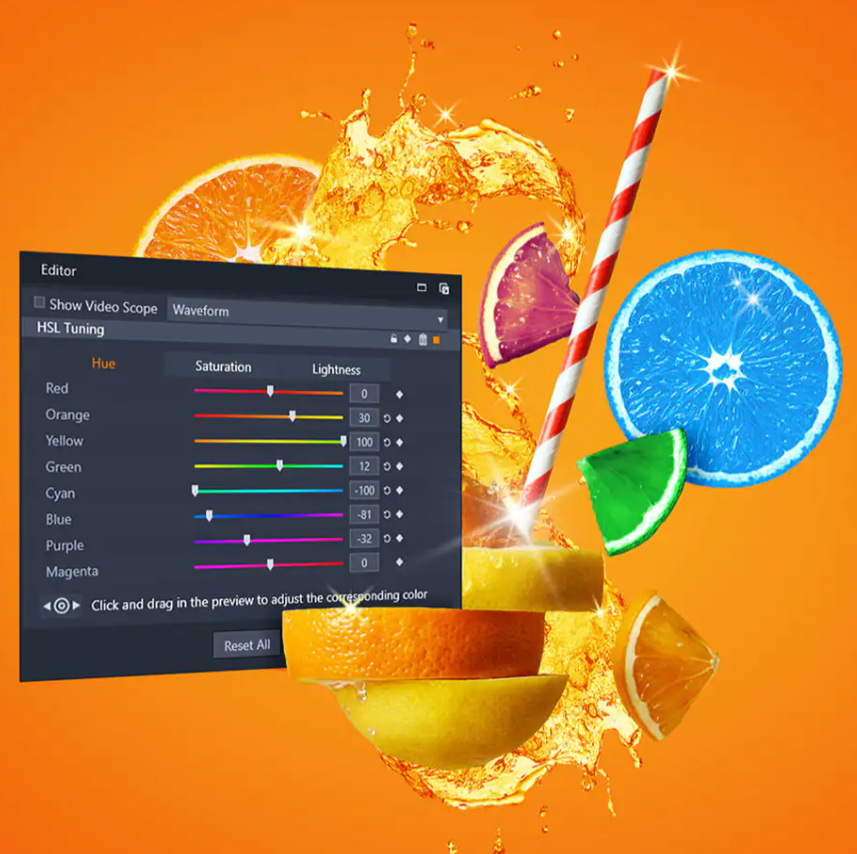
Entertain your audience with your creative stories.
Realize your creative visions, stylize your film productions with creative filters, various color adjustments, smooth transitions and your own titles and achieve cinematic results.
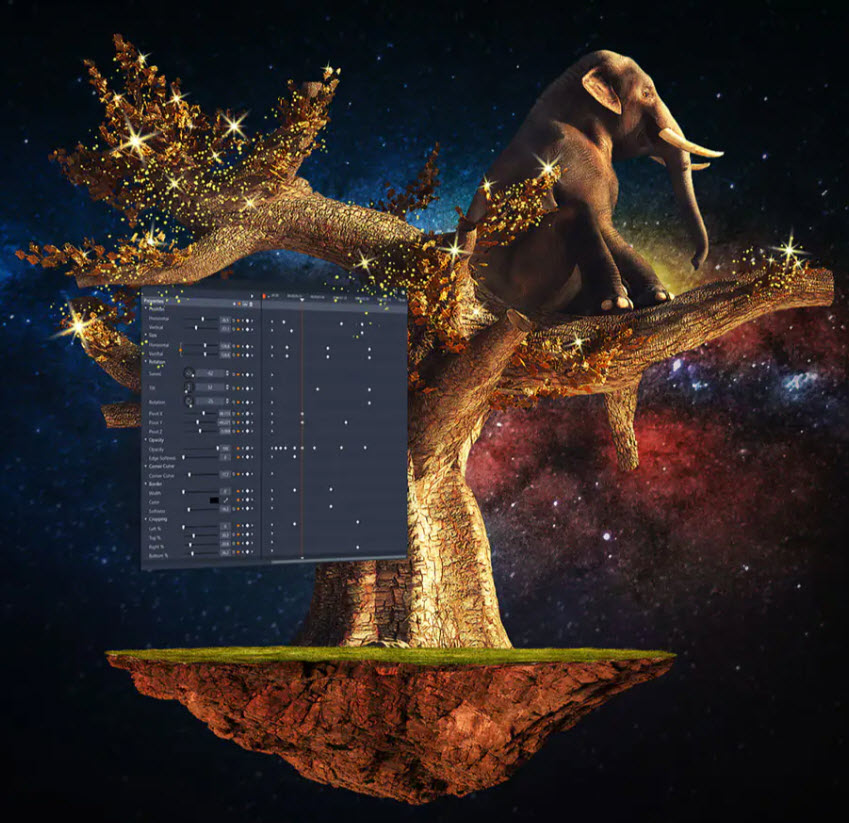
Endless setting options and frame-accurate adjustments.
Edit your videos with drag-and-drop on six tracks, either on the timeline or in the storyboard view, add keyframes to edit your clips with the utmost precision and customize the workspace to suit your individual needs.
Affordable editing features that help you create even more professional videos.
Take advantage of an editing program that allows you to go beyond the basics without breaking the bank.
What's NEW in Pinnacle Studio 26?
This new version of Pinnacle is faster, better and more efficient than ever - and we have you to thank for that. Based on your feedback, we've focused on core editing processes when optimizing the product to improve the aspects that really matter to you: This version offers the fastest and smoothest editing experience in years. Pinnacle Studio 26 offers tangible user experience improvements that go far beyond bug fixes and user interface improvements. We have improved the structure of the product and made extensive changes: from the behavioral logic to resource management and a new proxy codec. Thanks to increased stability,
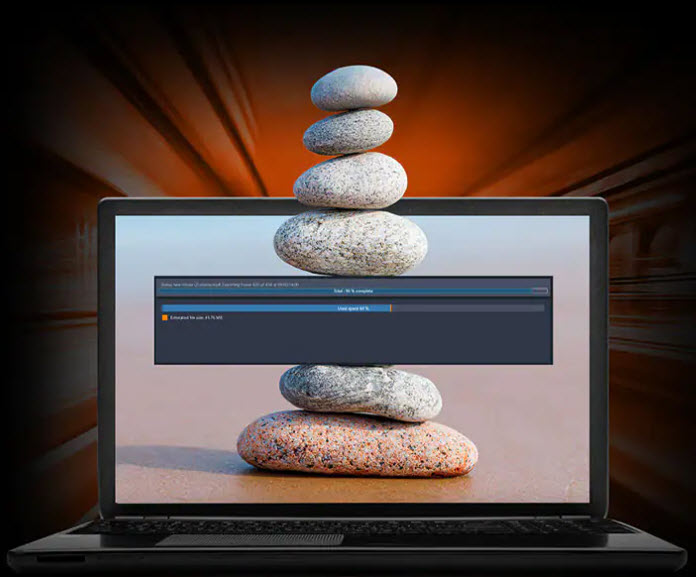
IMPROVED!
Product Stability
Development of this release focused on product stability, core feature performance, and dozens of bug fixes to target improvements for 200 unique user-identified scenarios. Pinnacle Studio 26 is our most reliable and stable release yet. From the moment you install it, you'll benefit from smooth and improved video editing!

IMPROVED!
Product
Performance The performance of the program has been improved in several areas identified by users, ranging from the program's launch time, to resource usage and project preview responsiveness, to import and export speed. Key performance improvements include:
- The implementation of Apple ProRes* as a smart proxy format improves preview, playback, timeline rendering and overall editing responsiveness
- Changing the behavior logic helps avoid unnecessary updates and reduce render times
- A new drop-down list of project preview quality options improves performance
- Targeted speed improvements when importing clips into the library and when exporting the final project
*Pinnacle Smart Proxy supports Apple ProRes format, but quality is limited to 4:2:2 8-bit.
OTHER OPTIMIZATIONS:
EXPANDED! Editing with Keyframes
Newly added options for handling keyframes simplify working with groups of keyframes, making it easier to duplicate adjustments such as loop animations, flashes of light, custom pan and zoom animations, or complex sequences of color and brightness changes.
Groups of keyframes for different parameters (brightness, transparency, saturation, etc.) can be created, copied, deleted and applied to other clips.
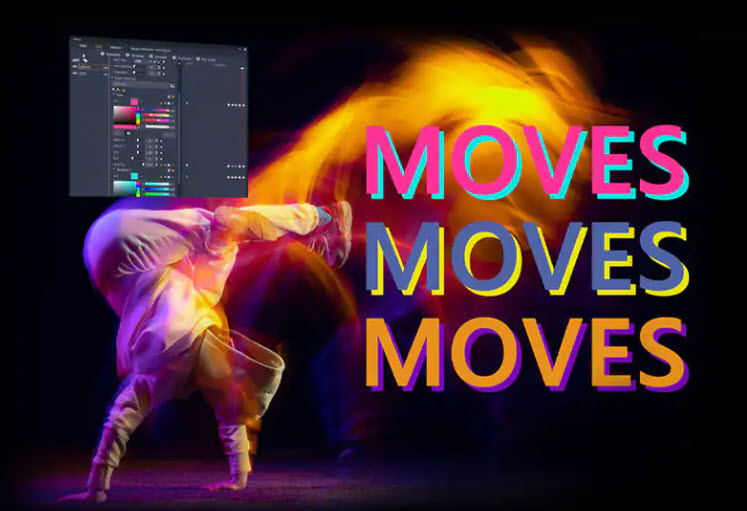
IMPROVED! User Interface
Improvements to the installation process, Settings panel options, in-product help, and more mean you'll experience a vastly improved user experience throughout the product. Improved panels allow for better control of edits (including options to reduce processor demands), and revised tooltips and UI text improve clarity.
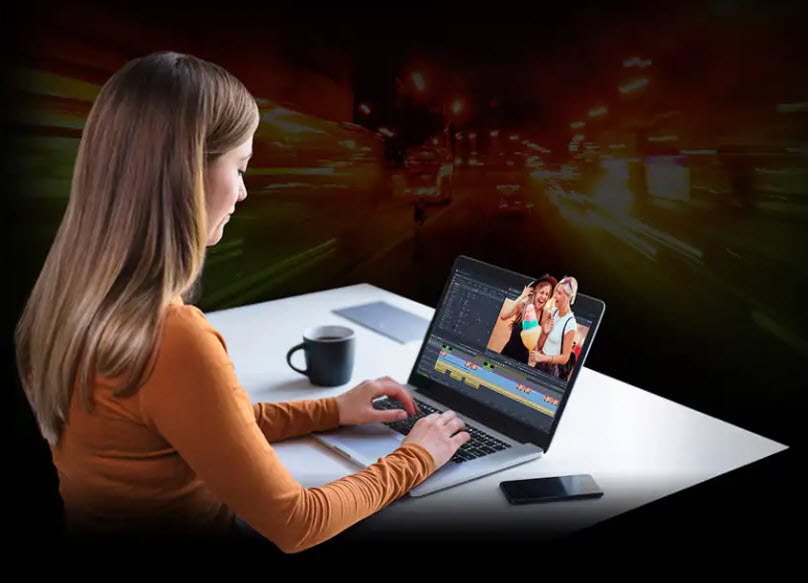
IMPROVED! Tools and performance across the product
The responsiveness of title editing has been improved. Title changes applied in the title preview are displayed much faster. Improved access to saved presets makes managing custom titles more efficient.
Mask editing has been improved. Response time has been reduced when designing and manipulating shapes, tracking objects, and applying functions to masks to improve playback performance.
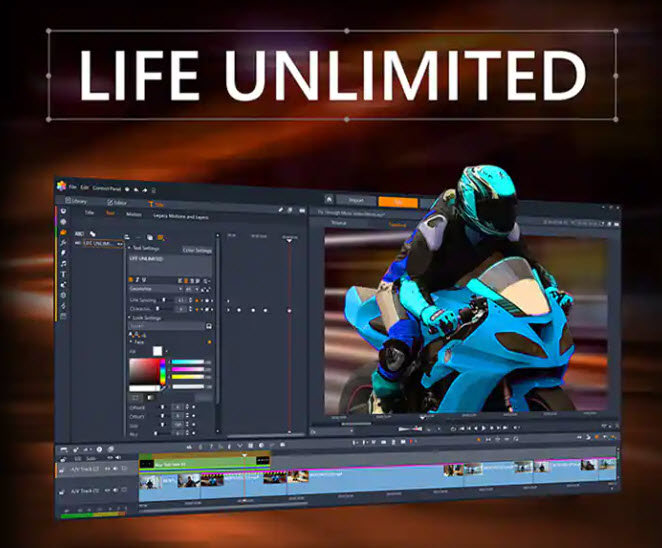
Tell your story in cinematic images.
You don't have to restrict yourself when implementing your creative ideas. You choose the story you want to tell, and Pinnacle Studio helps you achieve professional results with its comprehensive features and precise controls.
Play with the colors!
Expand your color possibilities.
Color Correction
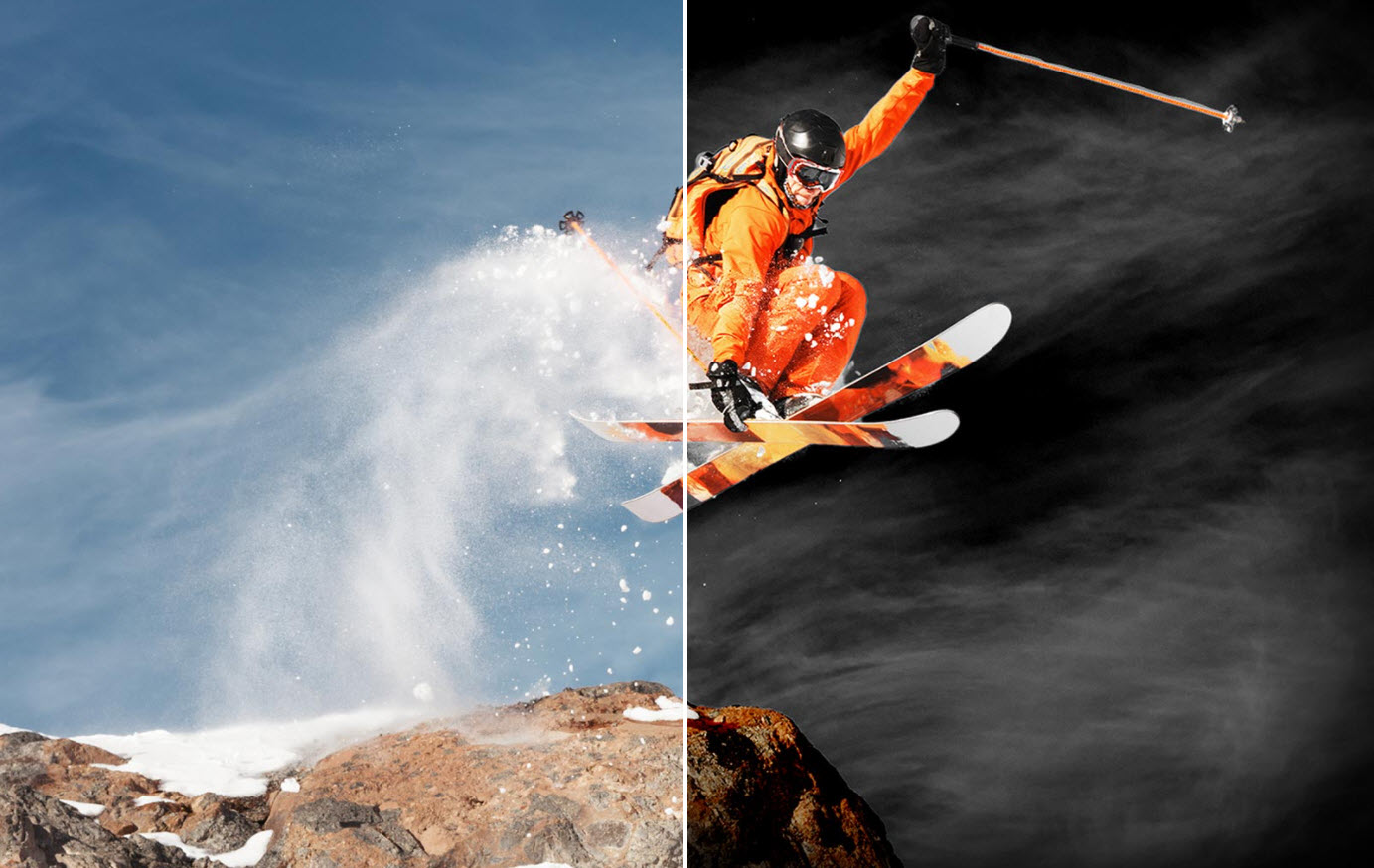
Adjust white balance, fix underexposed scenes, and apply quick fixes. Experiment with the Selective Color feature to emphasize a specific object in a scene.
LUTs and Filters
Apply instant color grading effects to change the mood of a scene and perform creative transformations with LUT presets.
Pure Creativity.
Use effects and filters.
Set the mood in a movie.
You can use special effects to set the mood for individual scenes in your film: playful, surreal, dramatic, just as you like.
Highlight fun moments with 3D effects.
Play with the 3D objects and effects. For example, the new Dolly Zoom effect makes it easy to zoom in and out on a specific object in a video while leaving the rest of the shot untouched.
Action!
Discover motion graphics and effects.
- Time remapping can be used to create slow motion or fast motion effects
- Panning and zooming can create interesting visual and motion effects
- Emphasize on-screen movement with motion blur effects
dimensions. perspectives. Angle. Our world is not linear.
Use features for multi-camera editing, split-screen video, and screen recording.
Music plays an important role in video editing!
Get to know the advanced audio editor.
Master the audio:
- With a few clicks you can fade in, fade out, mute or even disconnect the sound
- You can use the built-in recording tools to record your own voiceover or voiceover
- Access royalty-free music and sound effects to take your videos to the next level

Benefit from "extra" options.
Benefit from other valuable features.
Video
Stabilization Stabilize shaky footage! With the Stabilization tool in Pinnacle Studio, you can stabilize recordings that you made, for example, while cycling or skiing downhill.
Stop Motion Animation
Stop motion animation is a popular cinematic technique. Use this great feature to animate people and objects in your film productions.
Lens
Corrections With the built-in lens correction tools, you can correct lens distortions (such as fisheye effect in wide-angle shots).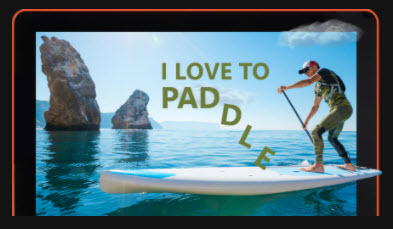
Title Editor
Add text to your videos to highlight important details such as business information, create captions, and more
Green Screen
With this incredible effect, you can travel far without really going away: with green screen post-production, you can effortlessly merge two video streams to virtually travel to your dream destination.
Selective Color
Experiment with Selective Color to emphasize a single color and draw attention to an important aspect of the scene.
Play with different formats.
- Convert your videos to the most popular file formats
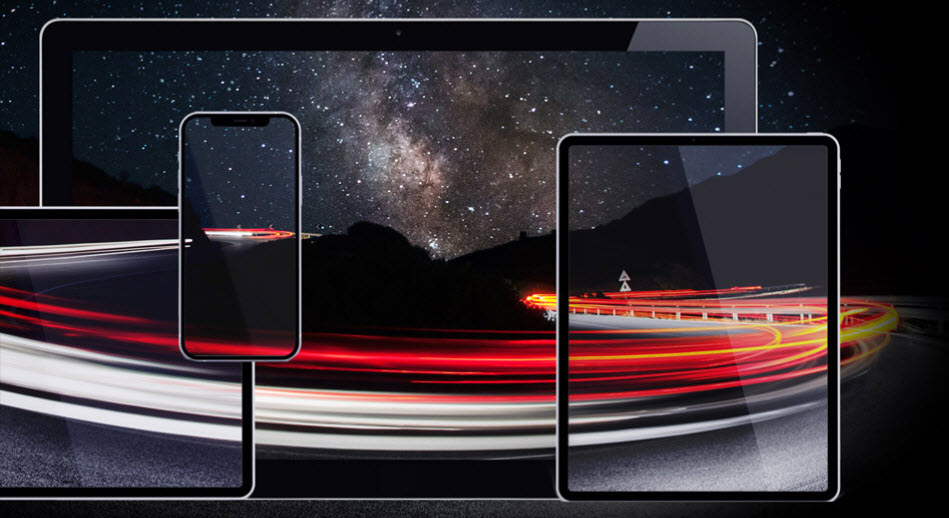
- Present your films on different platforms and devices
- Burn your creations to disc using over 20 customizable menu templates to choose from
This is included:
Main applications:
- video editing software
- Video and screen recording software
- Slideshow maker
- audio editor
- DVD creation
- video converter
Creative content:
- Hundreds of filters and effects
- Library of animated overlays, graphics, creative fonts and titles
- Thematic templates and video montages
- Royalty-free music and sound effects
Documentation and tutorials:
- User Manual (PDF)
- Search help files
- Built-in tutorials and learning videos
- New users get 10 days of FREE access to StudioBacklot's training and royalty-free content
The price has not changed yet. We will show it on this chart once it changes
No reviews found