


Parallels Desktop 26 Standard Edition for MAC - Lifetime - Multilingual - Ηλεκτρονική Άδεια


Parallels Desktop Standard Edition
For: Private and personal use .
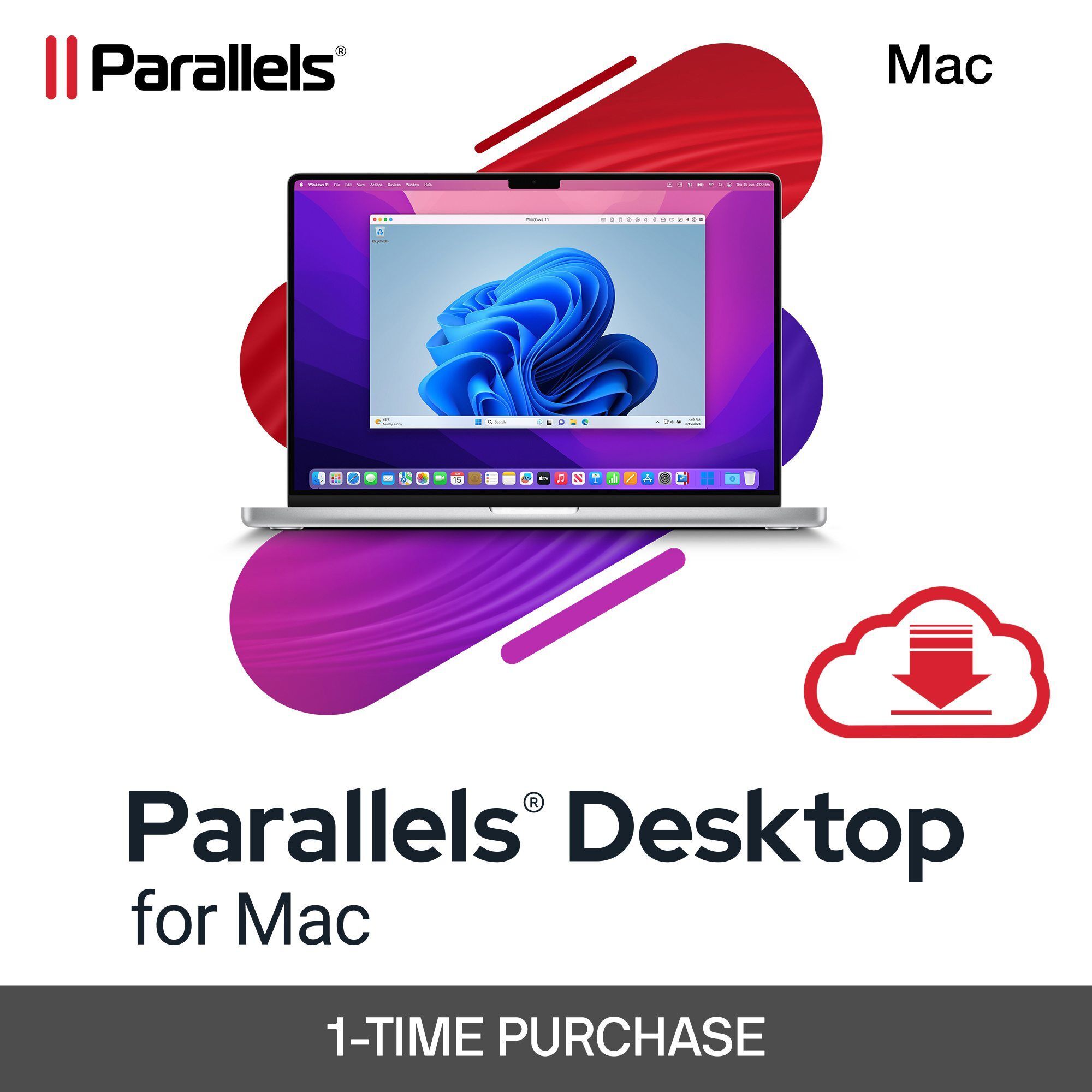
Parallels Desktop for Mac is a simple, fast, and powerful solution for running Windows on Mac computers with Intel or Apple Silicon.
Install and use your favorite Windows applications and enjoy an efficient and consistent experience thanks to seamless switching between Mac and Windows environments.
Benefit from high 3D performance that supports demanding graphics applications and games, as well as a wide range of operating systems, including macOS and Linux virtual machines.
Parallels Desktop for Mac is ideal for home users and students.
Regular updates, 24/7 support, and an intuitive user interface ensure you get the best of both macOS and Windows.
It's no wonder Parallels is so popular with millions of Mac users.
Experience the best that macOS and Windows have to offer with Parallels Desktop. Benefit from maximum performance and seamless interaction.
Parallels Desktop lets you set up your system effortlessly: there's no need to obtain a Windows image or struggle with
installation or configuration. The solution impresses with its simplicity.
Use your Mac's camera, microphone, trackpad, sound, display, keyboard, and mouse with Windows.
Use Windows-exclusive USB devices such as printers and scanners, and connect your Android phone and many other devices.
Seamless integration allows you to quickly and easily move and share content between Mac and Windows.
Use Windows applications alongside Mac applications, even with the Windows desktop hidden.
Effortlessly access your Mac files from Windows to avoid duplicates and optimize storage space usage.
A unique, intuitive user experience.
Improved optimization and performance.
The subscription (not the one-time purchase) includes Parallels Toolbox and 24/7 support .
View Selection:
You can use Windows applications either in Coherence mode, which completely hides the Windows desktop. Alternatively, if you are new to Mac, you can run Windows in full-screen mode, so that Mac and Windows applications are displayed simultaneously.
Move files and images between Windows and Mac applications via drag and drop.
Files can be easily moved between operating systems without the need for external devices. This allows you to work productively with both operating systems simultaneously.
Open Windows files in Finder.
Thanks to the seamless integration of the two platforms, you can directly access files stored on your Mac within the Windows environment. You can use the features of Windows applications as well as conveniently access files in your Mac's Finder.
Play classic Windows-exclusive games on your Mac.
Play many Windows-exclusive games on your Mac, including Roblox, League of Legends, Minecraft, Half-Life 2, the Age of Empires series, Fortnite, Fall Guys, and Rocket League.[1]
[1] – Supports up to DirectX 11.
Enjoy hundreds of games developed exclusively for Windows on a Mac with the same performance as on a PC.
Για να δείτε τις ελάχιστες απαιτήσεις συστήματος δείτε εδώ
The price has not changed yet. We will show it on this chart once it changes
No reviews found