


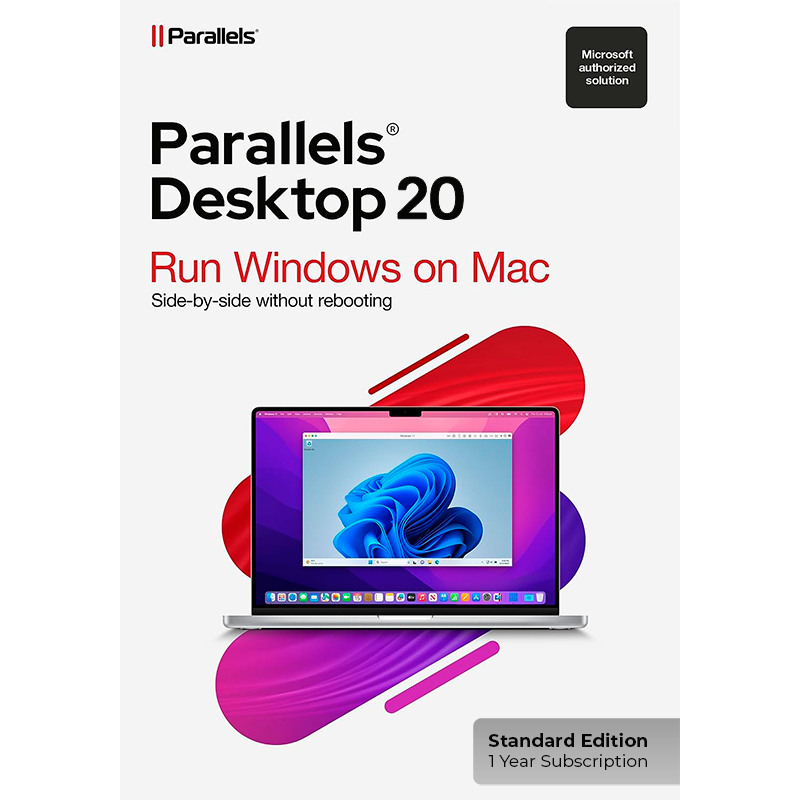
Parallels Desktop 20 Standard Edition for MAC - 1 Year Subscription - Multilingual - ESD


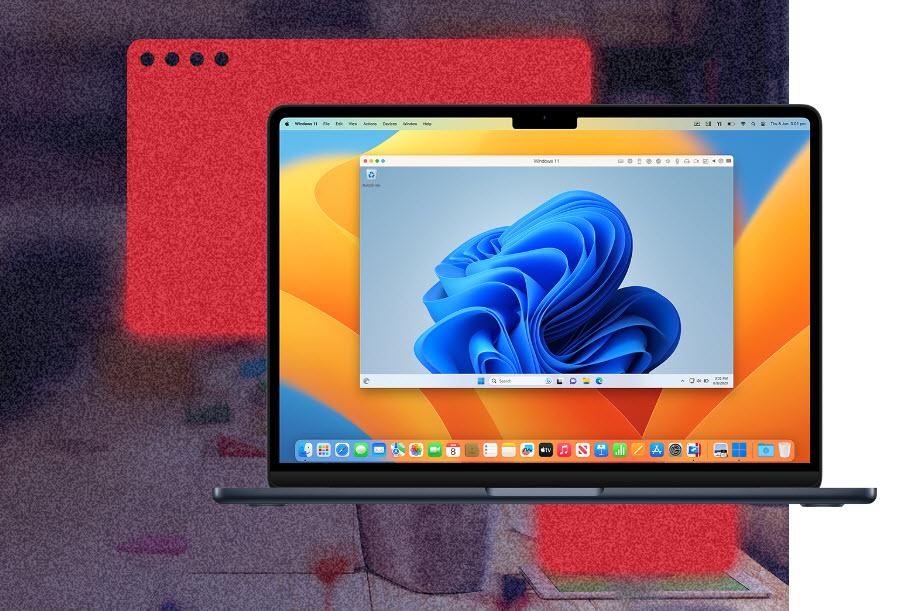
Parallels Desktop 20 for Mac 1 Year Subscription – Use the power of Windows on your Mac!
Expand the capabilities of your Mac with the new Parallels Desktop 20 Standard Edition! Run Windows and other operating systems smoothly on your Mac and benefit from seamless integration between macOS and Windows.
With Parallels Desktop 20 you get access to over 200,000 Windows applications , including Microsoft Office, SAP, Visual Studio and many more. Whether for work, study, development or leisure, Parallels offers the perfect solution. Parallels Desktop 20 is now fully compatible with the latest macOS versions, including macOS Sequoia 15, and offers optimized performance on Apple M1 and M2 chips .
Key features of the Standard Edition:
- Easy setup : Install Windows in just one click, no technical expertise required.
- Optimized for macOS Sequoia 15 : Full support for the latest macOS as a primary operating system or in virtual machines.
- Improved performance : Experience even better performance with optimized CPU and RAM allocations (up to 4 vCPUs and 8 GB vRAM per virtual machine).
- Seamless integration : Use Mac files, trackpad, camera, Touch ID, and more right in Windows.
- 3D Acceleration : Use DirectX 11 and OpenGL for improved graphics performance, perfect for 3D applications or games.
- Multitasking : Run multiple virtual machines simultaneously without affecting performance.
- Parallels Toolbox : Benefit from more than 30 tools for productivity, file management and system security – all in one package.
New features in version 20:
- Automatic Updates : Make sure Parallels stays up to date and prepared for future versions of macOS and Windows.
- Optimized for Apple M1 and M2 chips : Harness the full power of the latest Mac models to make virtual machines run even faster and smoother.
- Better management : New features such as automated Windows maintenance and precise customization options for your virtual machines' dock icons.
- More flexibility : Support for pausing Windows when no applications are open to use Mac resources more efficiently.
Windows and macOS: With Parallels Desktop for Mac you benefit from the best of both worlds – with the highest performance and seamless interaction
Parallels Desktop 20 is optimized for macOS Sequoia 15 and offers improved printing options over the Internet Printing Protocol (IPP). This optimization provides a richer experience when running macOS virtual machines on Macs with Apple silicon, including improved print sharing on these devices.
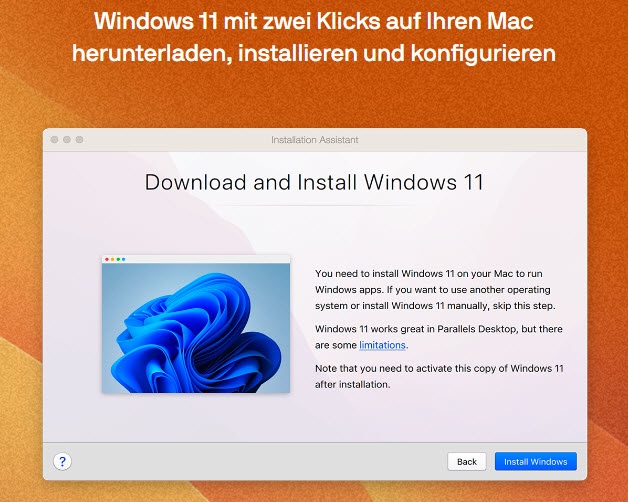
With Parallels Desktop, you can set up your system effortlessly: there is no need to find a Windows image or mess around with installation or configuration. The Parallels solution impresses with its simplicity.
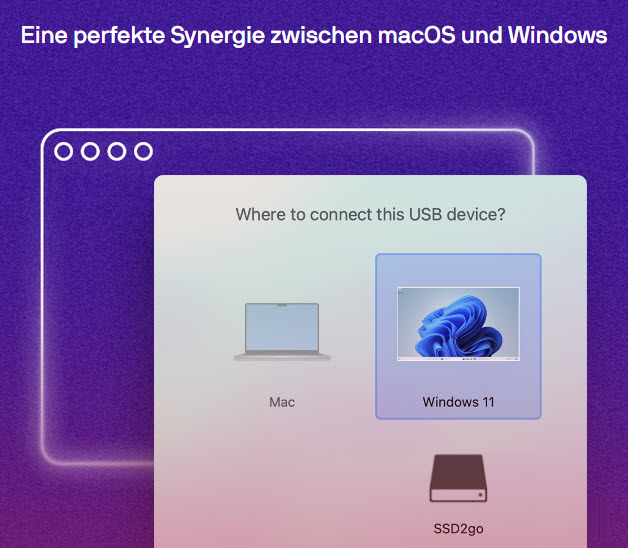
Use your Mac's camera, microphone, trackpad, sound, display, keyboard, and mouse with Windows. Use Windows-exclusive USB devices like printers and scanners; connect your Android phone, and more.
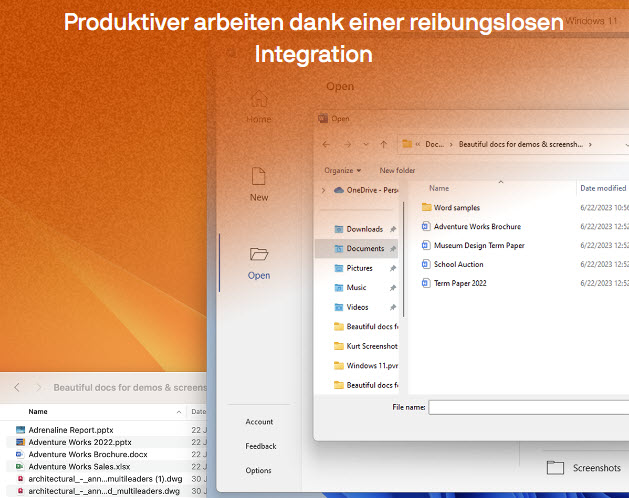
Seamless integration makes it easy to move and share content between Mac and Windows.
Use Windows applications side by side with Mac applications even when the Windows desktop is hidden.
Easily access your Mac files in Windows to avoid duplicates and optimize storage space.
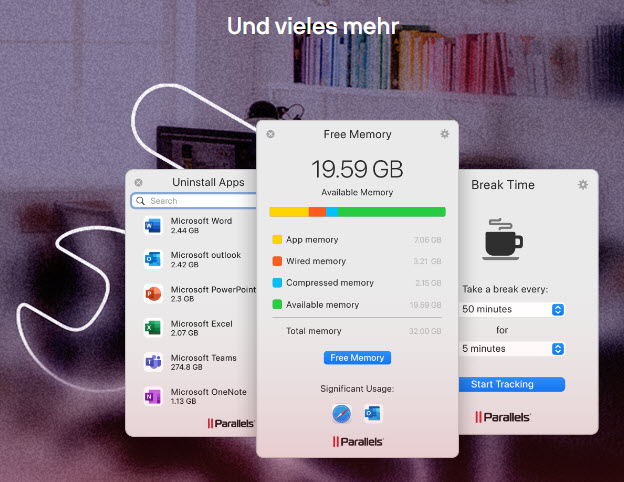
Unique, intuitive user experience.
Improved optimization and performance. Included
in the subscription/annual license (not in the perpetual license) is Parallels Toolbox and 24/7 support.
Choosing a View
You can use Windows applications either in Coherence mode, which completely hides the Windows desktop, or, if you're new to Mac, switch Windows to full-screen mode.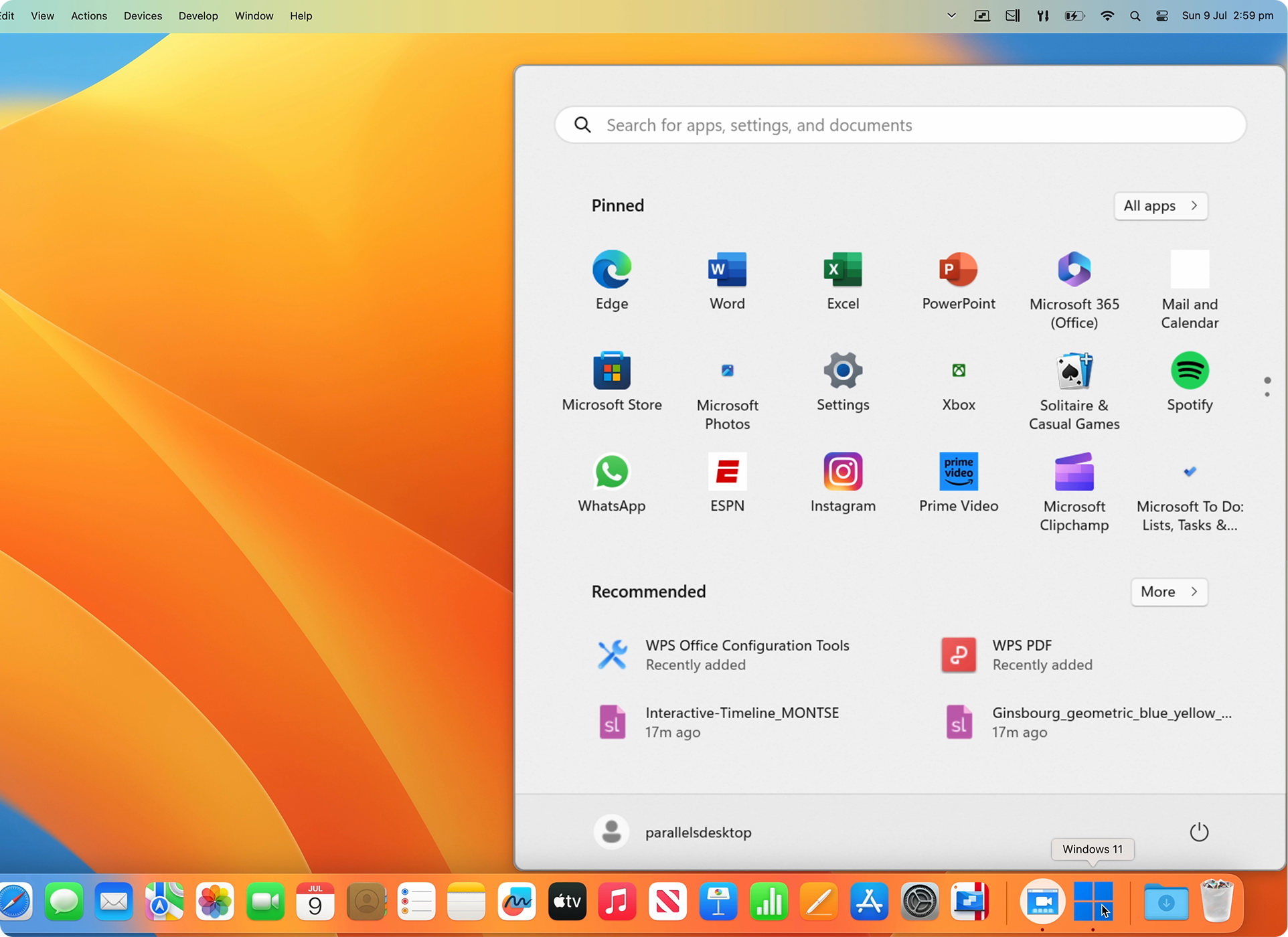
Drag and drop files and images between Windows and Mac applications
Files can be easily moved between operating systems without the need for external devices. This makes it more productive to work with both operating systems at the same time.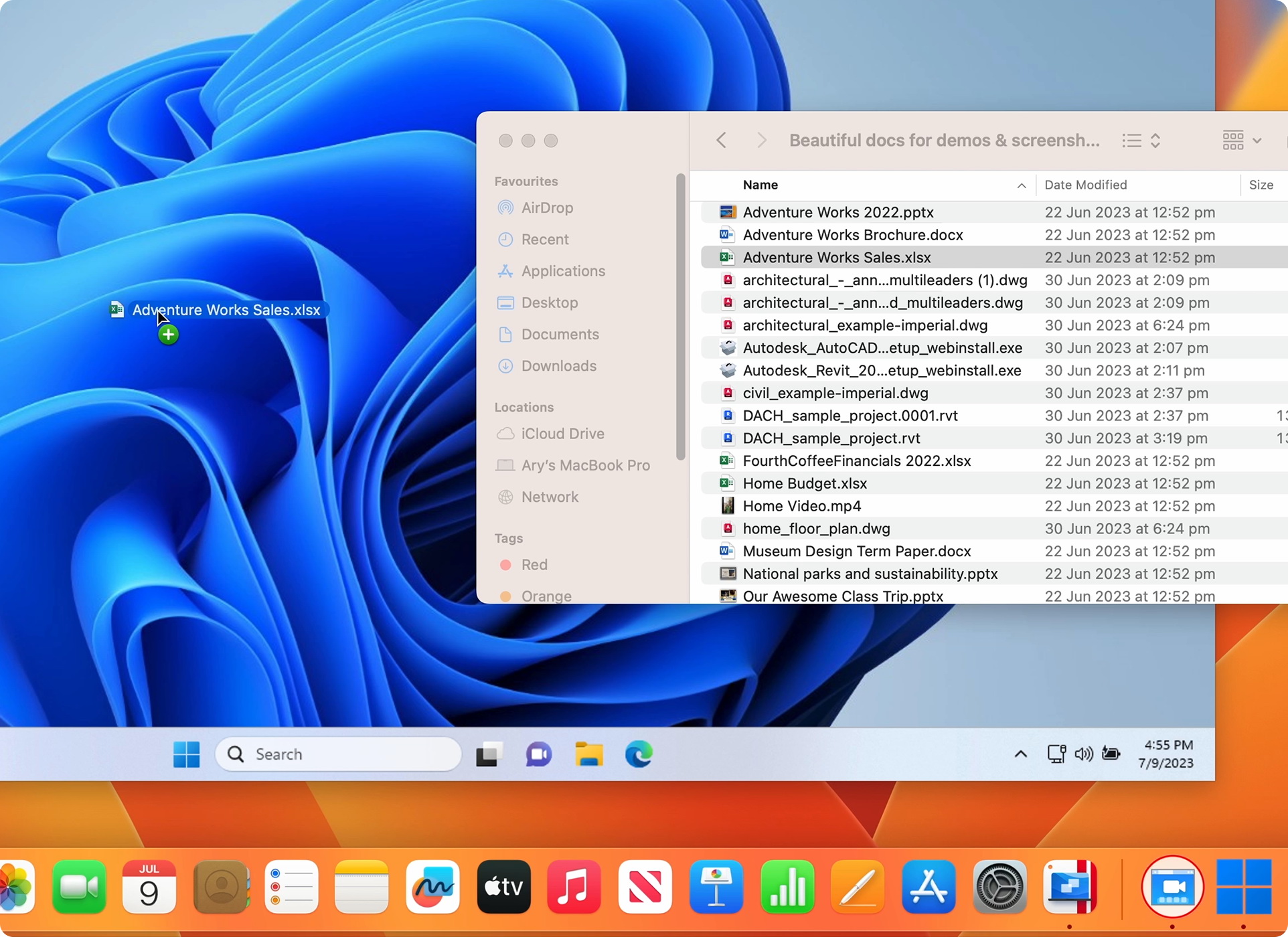
Open files in Finder with Windows
You can access and open files stored on your Mac directly in the Windows environment. This seamless integration between the two platforms allows you to conveniently access files in your Mac's Finder while also using the features of Windows applications.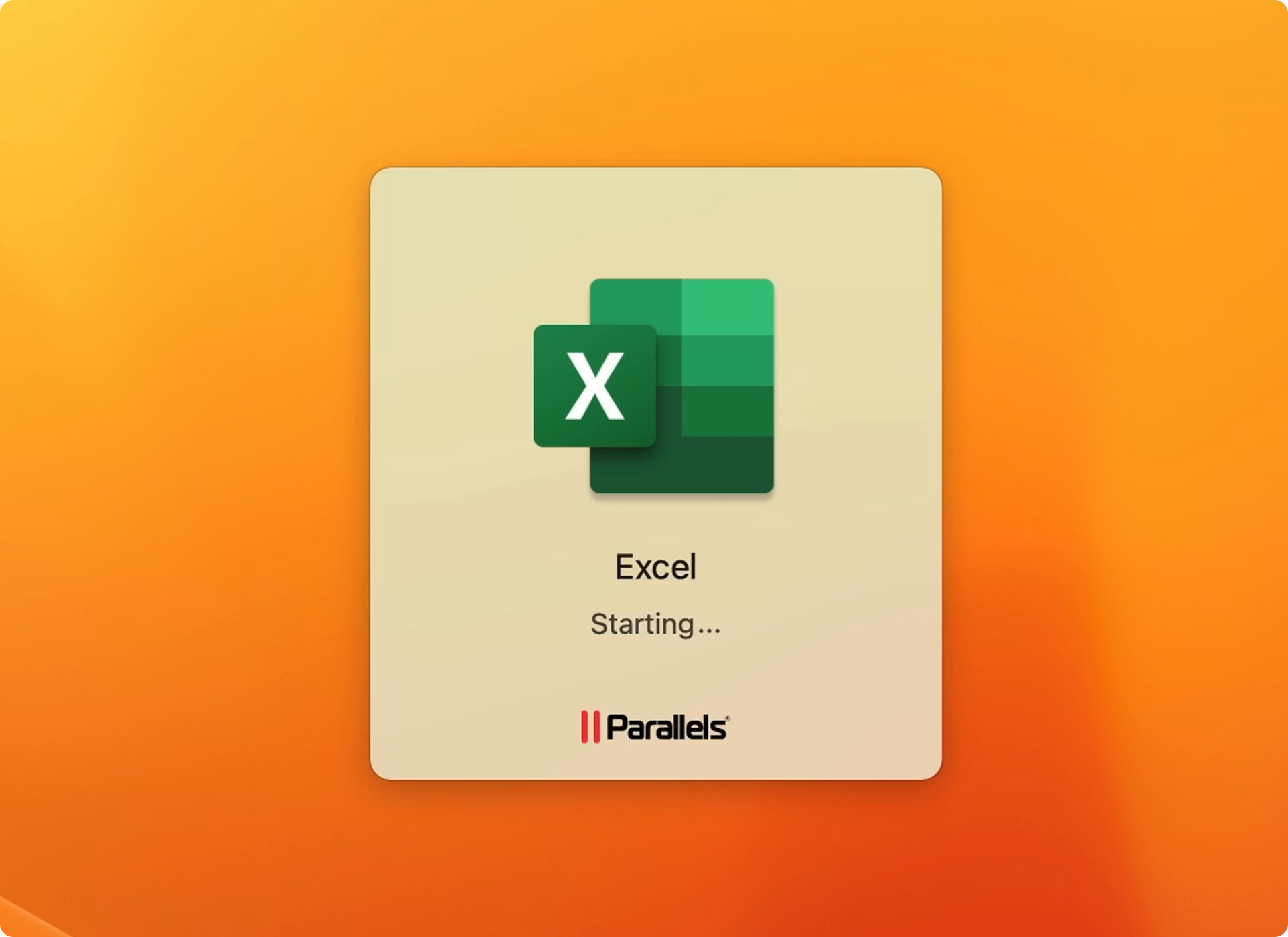
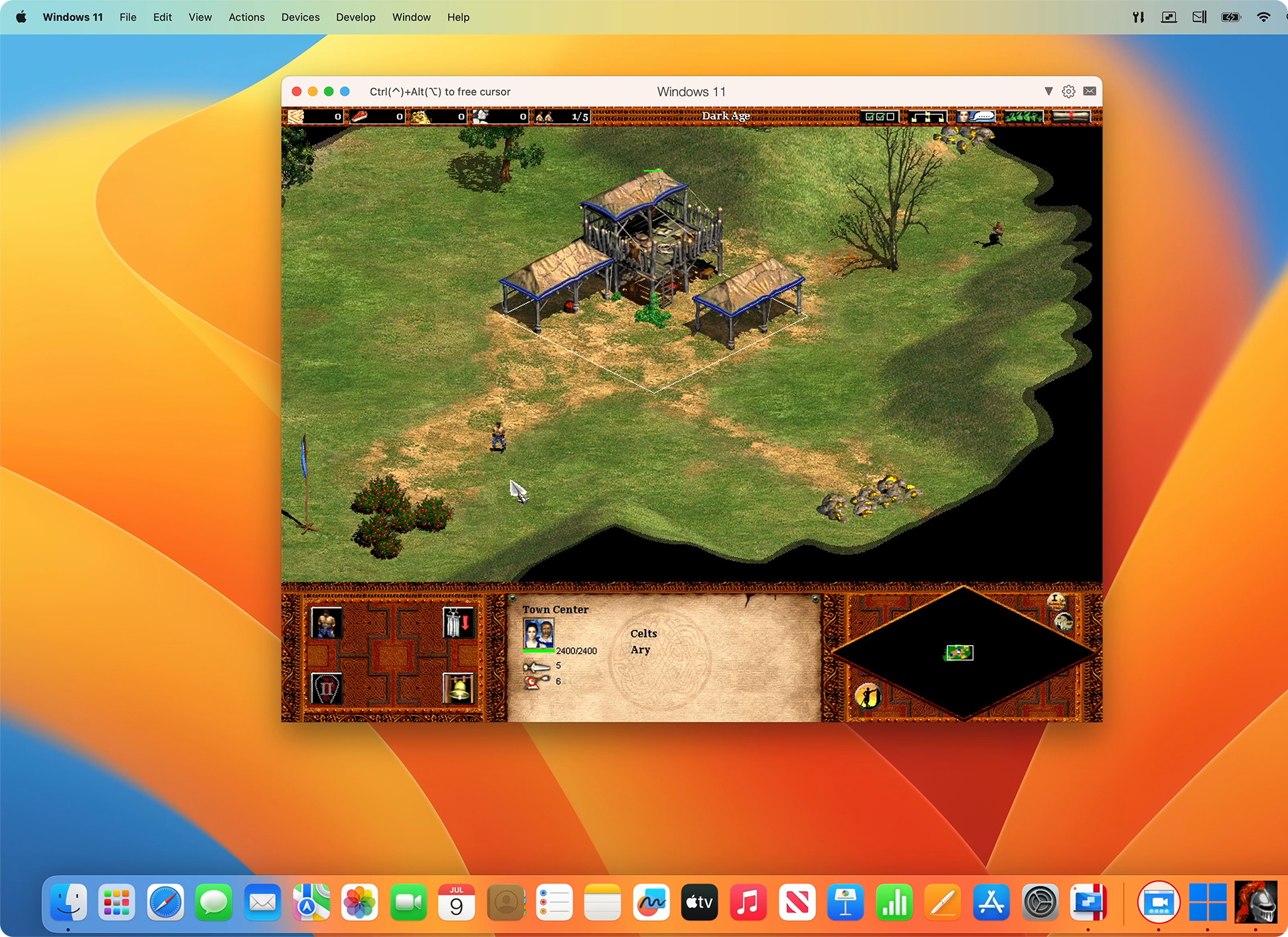
Play Windows-exclusive games on Mac
Play many Windows-exclusive games on your Mac, including Roblox, League of Legends, Minecraft, Half-Life 2, the Age of Empires series, Fortnite, Fall Guys, and Rocket League.*
*Supports up to DirectX 11. Enjoy hundreds of Windows-only games on Mac with the same performance as a PC.
New in Parallels Desktop 20:
- Improved performance on Apple M1 and M2 chips: More speed and efficiency for virtual machines
- Optimized CPU and RAM allocation : Up to 4 vCPUs and 8 GB vRAM for increased flexibility when using virtual machines
- Automatic Windows Maintenance : Automated updates and optimizations ensure that your system always remains up to date.
- New design and improved user interface : A clearer and more intuitive experience for all users
Minimum requirements:
For running most applications such as Microsoft Office, accounting software, trading software, SAP or Matlab.
operating system
- macOS Sequoia
- macOS Sonoma 14.0 or later
- macOS Ventura 13.2 or later
- macOS Monterey 12.6 or later
- macOS Big Sur 11.7 or later[1]
- macOS Catalina 10.15.7 or later[1]
- macOS Mojave 10.14.6 or later[1]
Processor
Any Apple Silicon chip
Intel Core i5, Core i7, Core i9, Intel Core M, or Xeon processor
Memory
4GB RAM
Storage
600MB for installing Parallels Desktop
Additional disk space for the guest operating system (at least 16GB required for the Windows operating system)
Graphics
Apple M2, M2 Pro, M2 Max, M2 Ultra, M1, M1 Pro, M1 Max, and M1 Ultra chips
Intel, AMD Radeon, or NVIDIA graphics cards
[1] — the marked operating system version is not supported by Parallels Desktop 19 and the product installer will install an earlier version; guest operating system support may be limited. Updating macOS is recommended if possible.
Supported guest operating systems (Mac with Apple Silicon):
Only ARM versions of operating systems are supported.
- Windows 11 Pro and Enterprise editions (recommended)
- Ubuntu Linux 23.04, 22.04, 21.10, 21.04, 20.10, 20.04
- Fedora Workstation 38 and 37
- Red Hat Enterprise Linux 9
- Debian GNU/Linux 11 and 10
- Kali Linux 2023.1, 2022.2, 2022.1, 2021.3
- macOS Monterey 12 (In-App Download)
- macOS Ventura 13 (in-app download)
- macOS Sonoma 14 (In-App Download)
Supported guest operating systems (Mac with Intel processors):
Only x86 versions of operating systems are supported.
- Windows 11 (recommended)
- Windows 10 [1]
- Windows Server 2022
- Windows Server 2019
- Windows Server 2016
Note: To run older Windows operating system versions (2000, XP, Vista, 7, 8/8.1), you must download and use Parallels Tools version 18.3.0. For more information, visit https://kb.parallels.com/129252.
To learn more about the limitations of running Windows 11 in Parallels Desktop, please visit KB 129497 .
Parallels Tools for Linux requires X Window System version 1.15 – 1.20 and Linux kernel version 3.1 – 6.4-rc2.
- MAC
The price has not changed yet. We will show it on this chart once it changes
No reviews found