


EaseUS Partition Master Professional 19 (2 PC - Lifetime) - Multilingual - Ηλεκτρονική Άδεια


EaseUS Partition Master Professional
The best hard drive tool
- Resize/extend partition to maximize storage space.
- Clone the system or hard drive to upgrade hard drives without reinstalling Windows.
- Convert MBR system disk to GPT for Windows 11 upgrade.
EaseUS partition management software partitions hard drives in Windows and improves hard drive performance in just a few clicks. A well-organized hard drive performs faster than one with all the data on one large partition. Keep your data well organized and speed up your PC.
- One license for 2 PCs
- Upgrades incl.
- Resize/merge/format/delete/wipe/check partitions
- Clone hard disk partitions
- Migrate operating system to SSD/HDD
- Convert MBR to GPT and vice versa
- Convert NTFS to FAT 32
- Change dynamic plate to base plate
- Create WinPE boot media
- Repair RAID 5 volume
- Free technical support
- Supports Windows 11/10/8.1/8/7/7 SP1/Vista/XP
What's new in version 19.2?
- Optimized Interface: New Partition Manager comes with the simpler and more user-friendly interface
- Supports ReFS file system: From now on, you can manage, set up and format the ReFS file system partition
What can EaseUS Partition Master solve?
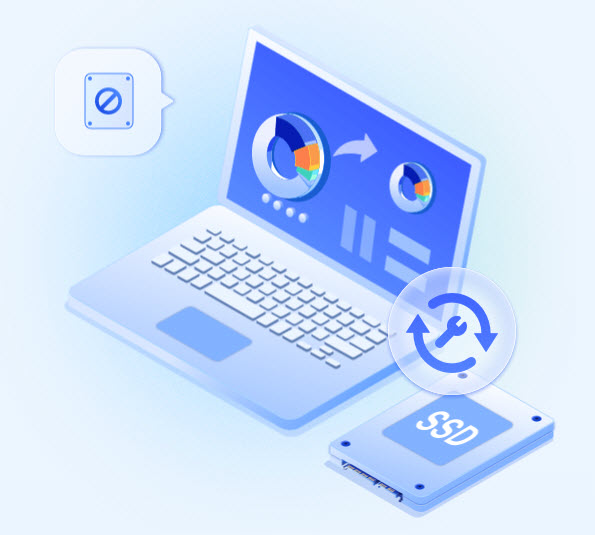
Upgrade to new HDD/SSD
- Install a new hard drive or SSD with the existing operating system by migrating the Windows operating system to SSD/HDD.
- Upgrade OS hard drive to SSD for better computer performance or larger hard drive to store more files without reinstalling Windows by cloning hard drive.
- Transfer or backup data from a specific partition on one hard drive to another hard drive or partition by cloning the partition.
- Delete data from the old hard drive or partition to protect data and privacy after cloning.
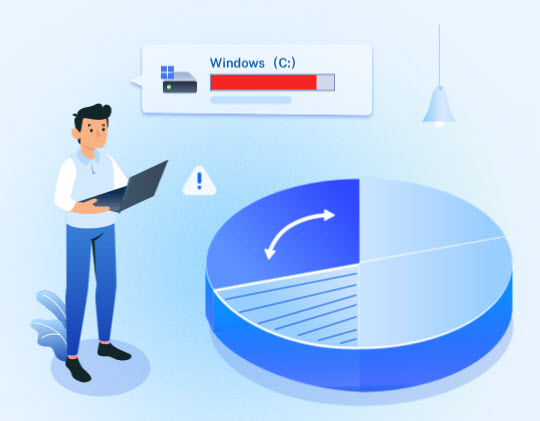
Fix Low Disk Space Issue
When C drive or other hard drive partition is full and warning of low disk space, you can efficiently expand it with unallocated and free space on a local drive by resizing, extending, or merging partitions without rebooting.
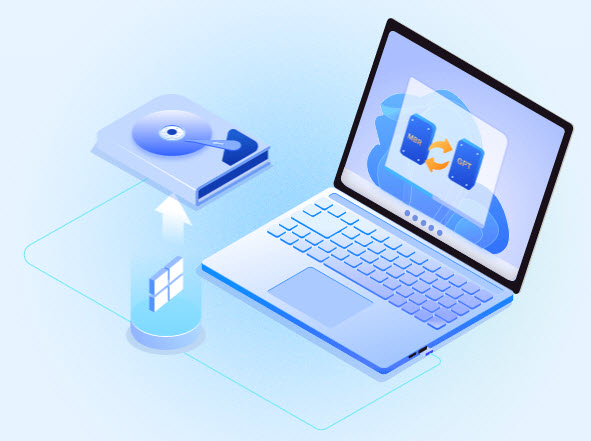
Easily upgrade to Windows 11
- Convert MBR to GPT for Windows 11 upgrade.
- Extend drive C for Windows 11 upgrade.
- Migrate Windows 11 to a new SSD in 1-click.
Other problems Partition Master can handle

Smart & Fast Partitioning
Partition a new hard drive with one click to save time and effort.
Format Hard Drive Partition
Efficiently format the hard drive to full size with any file system like NTFS or FAT32 to support different devices and systems.
Convert NTFS to FAT32 Convert
file system from FAT32 to NTFS to use USB port on older computers or non-PC systems like smart TVs, printers, projectors, digital cameras and other portable devices etc.
Check and repair hard drive partition
Quickly check and fix found file system errors and bad sectors to get your problematic device working properly again.
Recover Lost Partition
Recover partitions and files lost after a Windows update, incorrect deletion, partition table corruption, or virus attack.
Create Bootable Partition Manager
Add Bootable Partition Manager option to Windows boot menu or create bootable WinPE media to fix PC boot issues like missing BOOTMGR, OS not found, etc. and recover data.
4k Partition Alignment
Proper SSD partition alignment to improve your SSD's write and read performance.
Dynamic Disk Management
Convert dynamic disks to basic disks, extend C drive space in dynamic disks, and create/delete/format/copy dynamic volumes.
Partition Recall Protection
Automatically restore the partition to its previous state if something goes wrong while resizing partitions.
System requirements:
Operating systems
- Supported Windows 11/10
- Supported Windows 8.1
- Supported Windows 8
- Supported Windows 7 SP1
- Supported 7 32 bit and 64 bit Edition
- Windows Vista 32-bit and 64-bit Edition
- Windows XP Home Edition and Professional 32-bit and 64-bit Edition
Supported languages:
English, German, Spanish, French, Portuguese, Polish, Danish, Chinese (traditional) and Japanese
Supported device types:
- Parallel ATA (IDE) HDD
- Serial ATA (SATA) HDD
- External SATA (eSATA) HDD
- SCSI HDD
- All levels of SCSI, IDE and SATA RAID controllers
- Full support of RAIDed configurations (hardware RAIDs)
- IEEE 1394 (FireWire) HDD
- USB 1.0/2.0/3.0 HDD
- Supports large hard drives (MBR and GPT disks, EaseUS Partition Master Free supports 8 TB hard drive and 6 disks. Unlimited with paid versions.)
- Removable storage devices such as flash drives, memory cards, memory sticks, and so on
Supported file systems:
- EXT4
- EXT3
- EXT2
- NTFS
- FAT32
- FAT16
- FAT12
- ReFS
Hardware requirements
- CPU: at least X86 or comparable (500MHz)
- RAM: at least 512MB
- Hard disk space: Hard disk drive with 100 MB of free space.
- A standard PC system with mouse, keyboard and color monitor.
- Windows
The price has not changed yet. We will show it on this chart once it changes
No reviews found