


CorelDRAW Graphics Suite 2025 Full Version for Windows & MAC - Lifetime - Multilingual - ESD



CorelDRAW Graphics Suite 2025 | Perpetual License (One-time purchase)
Professional graphic design software for Mac/Windows
Powerful tools for vector illustration, layout, image editing and typography that help you achieve your goals faster.
Creativity meets productivity
The CorelDRAW® Graphics Suite , a complete package of vector illustration, layout, image editing and typography, offers the perfect combination for successful design projects.
All the tools you need for your projects

CorelDRAW®
Vector Illustration and Page Layout
This powerful graphic design program for illustration and page layout lets you quickly create any project.
CAPTURE™
screenshot program
Capture and save images of your computer screen with just a click of the mouse – either the entire screen or individual windows and menu lists.
Corel PHOTO-PAINT™
image editing and pixel-based design
. Process images at high speed with the AI-powered features of Corel PHOTO-PAINT. Benefit from an integrated workflow with CorelDRAW.
Corel® Font Manager:
Search and manage fonts
. Organize and manage your fonts with Corel® Font Manager's simple yet intuitive features. You can use your favorite fonts without installing them.
Main applications:
- CorelDRAW® – Vector illustration and page layout
- Corel PHOTO-PAINT™ – Image editing and pixel-based design
- Corel® Font Manager – Search and manage fonts
- PowerTRACE™ – AI-powered vectorization of bitmaps (integrated into the CorelDRAW application)
- CAPTURE™ – Screen recording
Contents:
- 7000 cliparts, digital images and templates for vehicle wraps
- 1,000 high-resolution digital photos
- More than 1,000 TrueType and OpenType fonts and access to over 1,700 Google font families
- Over 200 professionally designed templates
- Over 600 gradients and vector and bitmap fills
- Integrated access to Pantone® color libraries – at no additional cost
- Over 100 paintbrushes
There are no limits!
Branding and Marketing
From designing content to build a brand identity to creating sales tools, CorelDRAW Graphics Suite includes all the tools you need, making it ideal for creative professionals in the advertising and publishing industries as well as small and medium-sized businesses that create their marketing materials in-house.
Signage and wide format
printing Sign makers and printers rely on CorelDRAW® to create artwork for print thanks to its powerful color management and excellent prepress tools.
Clothing and textiles
Whether for screen printing, embroidery, direct-to-garment printing or the apparel industry: CorelDRAW Graphics Suite provides all the tools you need to produce and output designs for the fashion industry.
Retail and e-commerce
CorelDRAW Graphics Suite provides retail and e-commerce professionals with specialized tools for print and web media, whether for creating sales promotion materials or optimizing an online store.
Blueprints, plans, and schematics:
CorelDRAW is trusted by engineering, manufacturing, and construction professionals. It offers precision tools for creating product and component illustrations, diagrams, schematics, and other complex visuals.
Technical communication professionals who need a complete package of specialized tools for creating technical documents and publishing detailed illustrations choose CorelDRAW® Technical Suite.
Illustration and Art
Illustrators and artists can combine their classic art practices with CorelDRAW's cutting-edge vector illustration technology to create beautiful and sophisticated works of art.
Easily accessible design tools
Vector Illustration
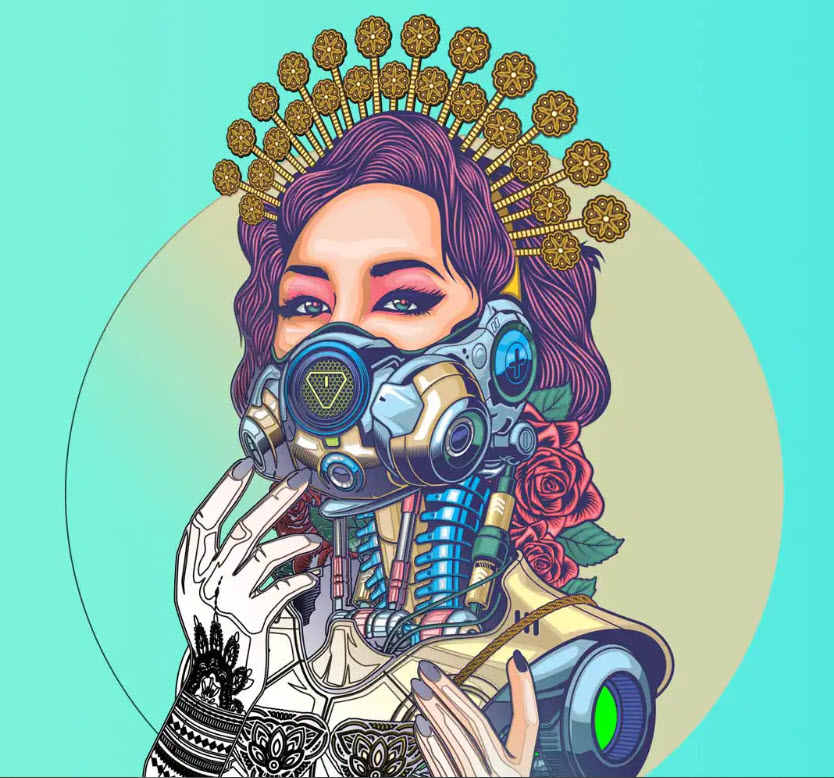
Use CorelDRAW's powerful vector illustration tools to transform simple lines and shapes into complex works of art. Versatile shape and drawing tools let you create curves and lines. Effect tools like Stroke, Envelope, Blend, and Mesh Fill let you add unique effects to vector graphics.
Page Layout
You have access to all the tools you need to create layouts for brochures, multi-page documents, and much more. You can choose between single-page or multi-page editing, depending on your preference.

Typography
A complete set of typography tools allows for perfect character arrangement. Enhance your text with effects like block shadows and outlines, customize font weight and width thanks to variable font support, align text to a line, and much more.

Font Management:
Organize and manage your fonts with the intuitive features of Corel Font Manager, and use your favorite fonts without installing them. Network storage speeds up font work. Plus, you get direct access to over 1,000 Google font families.
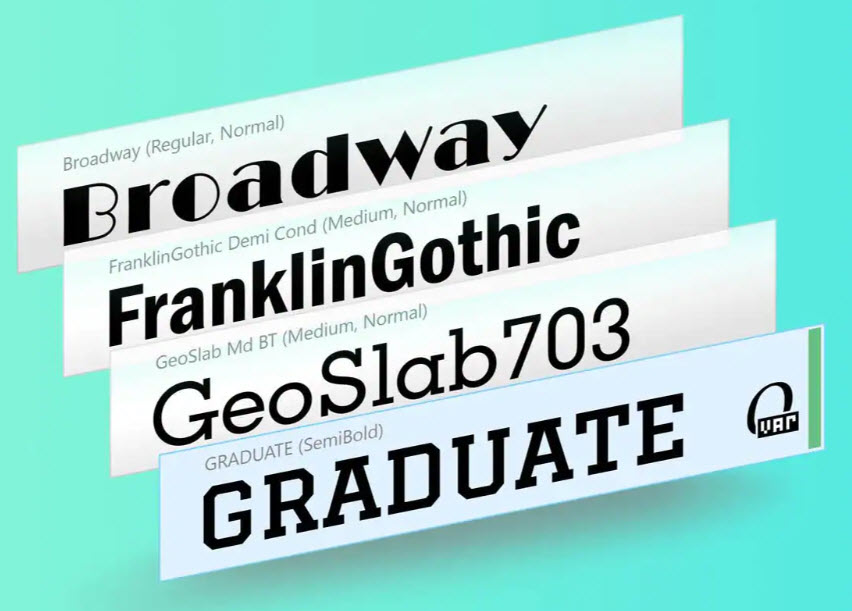
Image editing:
With Corel PHOTO-PAINT's powerful, layer-based image editing tools, you can adjust color and tone, remove imperfections, correct perspective, and much more. Unique AI-powered features allow you to enhance the size and quality of images.


Non-destructive editing:
Edit bitmaps and vectors with the confidence that the original image or object won't be overwritten. Create block shadows, symmetrical illustrations, and perspective drawings—all non-destructively. Apply a range of easily undone adjustments and effects in CorelDRAW and Corel PHOTO-PAINT.
Colors, Fills, and Transparencies:
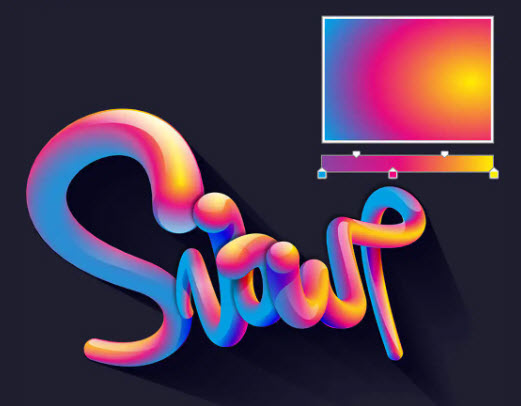
Easily apply color to fills and outlines using swatches, or create color using color harmonies. Change an object's transparency or fill objects with patterns, gradients, mesh fills, and more.
Bitmap Vectorization:
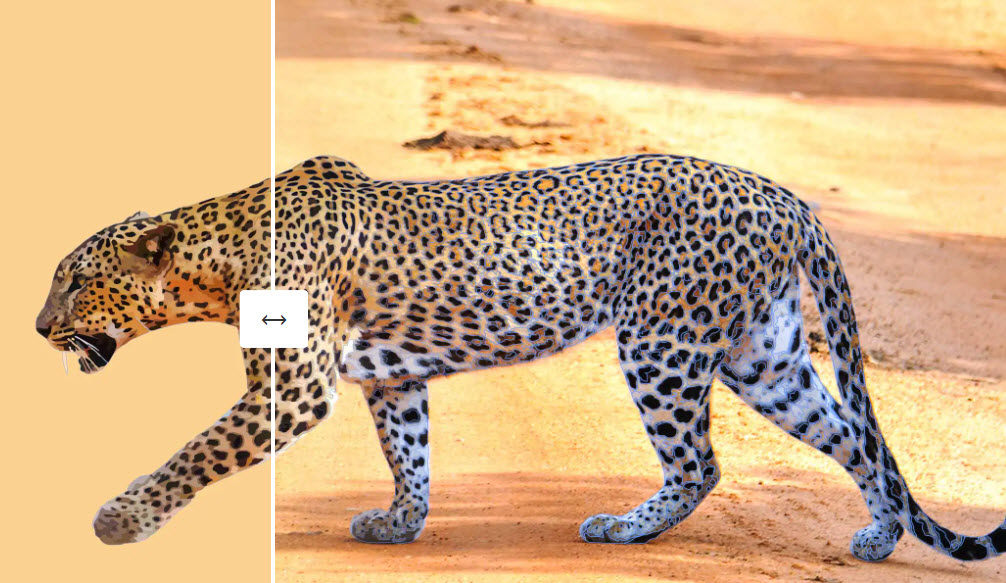
PowerTRACE™ leverages AI technology to vectorize bitmaps, delivering even better results. Benefit from cutting-edge image optimization features that improve the quality of the bitmap being vectorized.
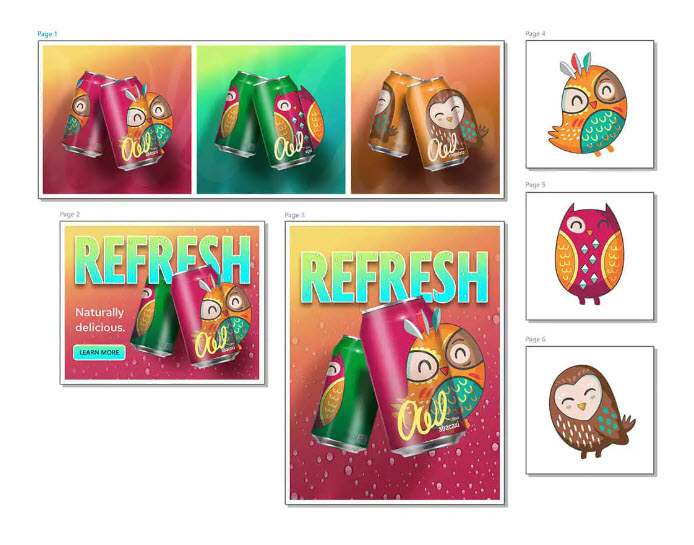
Flexible design area
CorelDRAW offers the advantage of creating both vector illustrations and page layouts in a single application.
Multi-page view:
All of a project's digital assets can now be viewed, managed, edited, and published in a single, flexible design space—opening up a whole new world of creativity! Objects can be moved across pages, designs can be compared side by side, and pages can be freely moved and arranged as desired.
Exporting multiple elements:
Once the layout is complete, you can quickly create a list of any number of page and object elements and export them with one click!
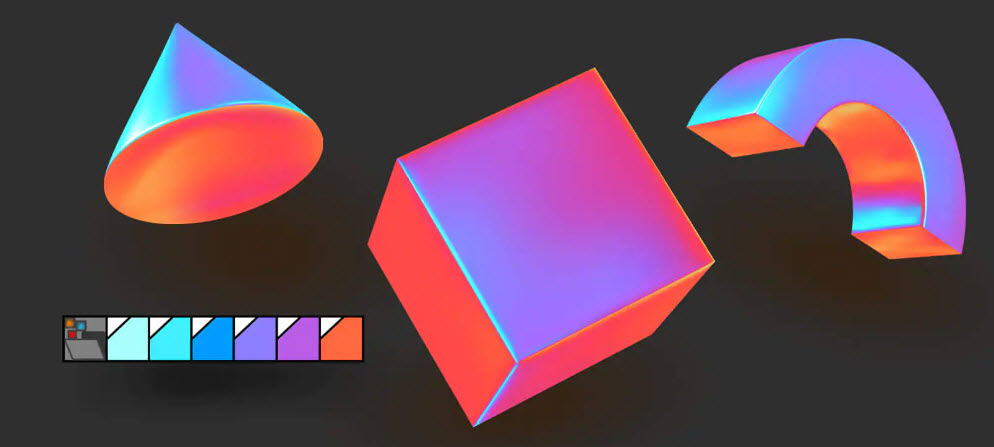
Styles and Style Sets
The Object Styles docker simplifies the management of styles and style sets to apply consistent formatting to multiple objects, create iterative versions, or quickly and consistently format entire documents.
Unparalleled Control Over Objects
The handy Objects docker gives you control over every element in your document. Here, you can hide, rename, search, and change the stacking order of objects. Use the Object Properties docker to manage object formatting, fill, and other properties.
Customize your workspace
. Adapt your workspace to your workflow. You can import CorelDRAW and PHOTO-PAINT workspaces you created in a previous version, or use predefined workspaces that organize industry-specific tools in a clear, accessible way.

Drawing in Perspective: Creating perspective views
of objects or illustrated scenes is faster and easier than ever before. You can choose from 1-, 2-, or 3-point perspective, draw in a perspective area or add a group of objects to a perspective area, and move objects freely without losing perspective.
Print and web designs:
Benefit from consistently flawless publishing and output. Color consistency can be controlled across media, ensuring your colors are perfectly matched before printing. And with a collection of presets and tools for web graphics, you can develop unique website content.
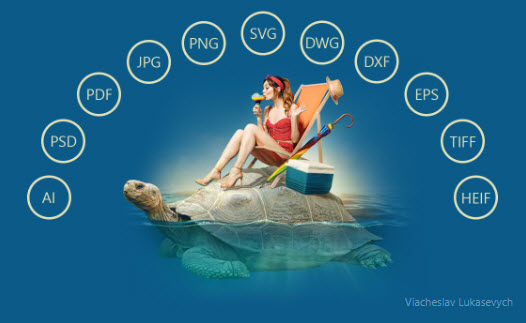
Comprehensive file compatibility
With support for a long list of graphic, publishing, and image file formats, you can import or export a wide variety of project resources provided or required by your clients.
System requirements:
Windows
- Windows 11 or Windows 10 (version 22H2 or later), 64-bit, with the latest
updates - Intel Core i3/5/7/9 or AMD Ryzen 3/5/7/9/ Threadripper, EPYC
- OpenCL 1.2-capable graphics card with at least 3 GB VRAM
- 8 GB RAM (16 GB RAM or more is recommended)
- 5.5 GB of free hard disk space for application and installation files
- Mouse, tablet or multi-touch screen
- Screen resolution of 1280 x 720 at 100% (96 dpi)
Mac
- macOS Sequoia (14), macOS Sonoma (14) or macOS Ventura (13) with the latest
revision - Apple Silicon or multi-core Intel processor with support for the AVX2
instruction set (or Apple Silicon*) - OpenCL 1.2-capable graphics card with at least 3 GB VRAM
- 8 GB RAM (16 GB RAM or more is recommended)
- 3 GB of available hard disk space for application files
- Screen resolution of 1920 x 1200
- Mouse or pen tablet
An internet connection is required to install and authenticate CorelDRAW Graphics Suite and to access some of the included software components, online features, and content.
- Windows
- MAC
The price has not changed yet. We will show it on this chart once it changes
No reviews found